User Manual - Network Dome - TKID45F2S - TKID85F2S - TKID45M1S - TKID85M1S
EN
20
Parameter Meaning Configuration Method
Iris Speed
It indicates the auto adjustment speed of the iris. As
the value increases, the speed increases. Excessive
speed may cause instability.
This parameter is valid when the auto iris is
enabled.
[Setting method]
Drag the slider.
[Default value]
50
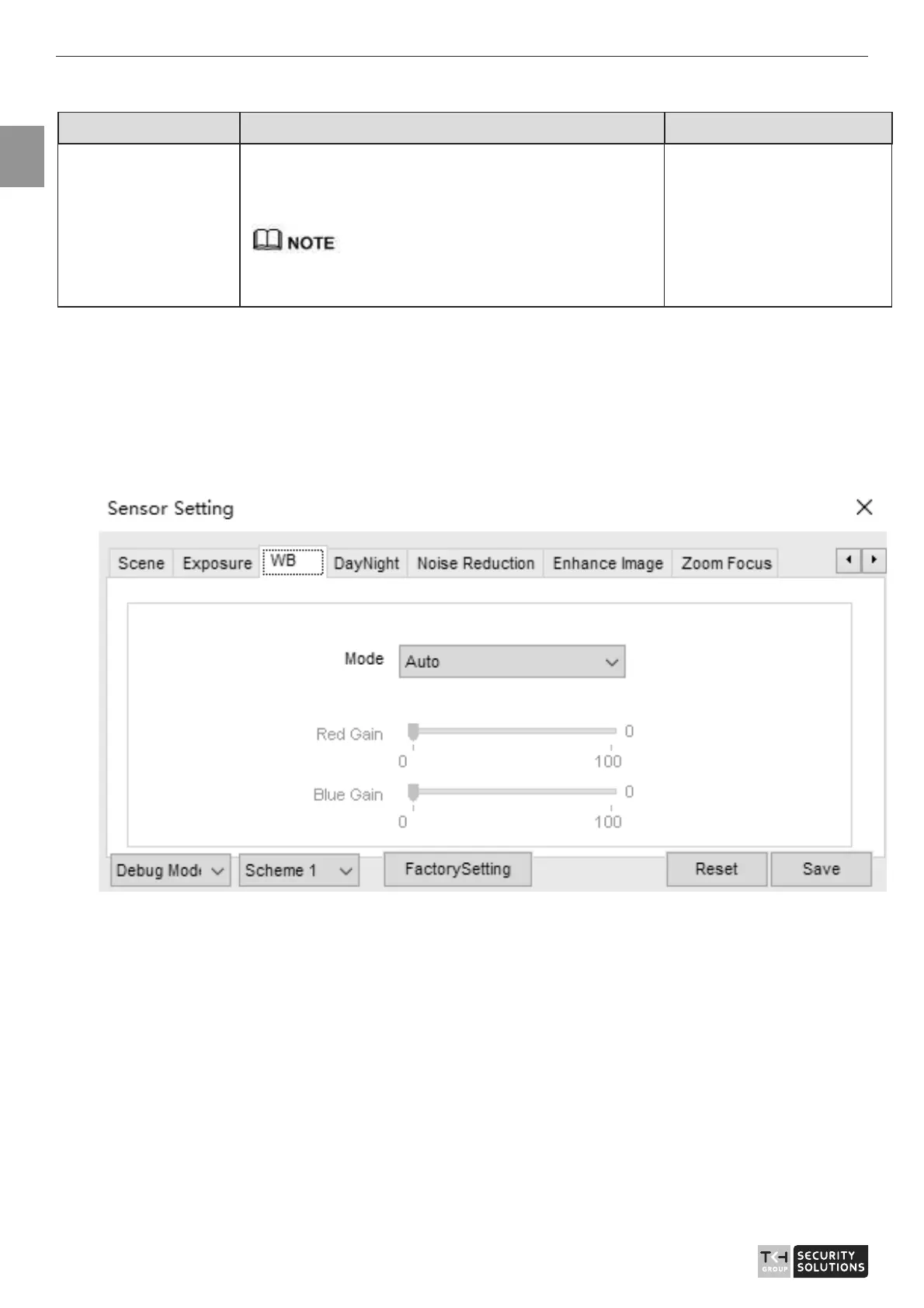
2.6 WB Setting
Figure 2-6 shows the WB Setting interface.
Figure 2-6 WB Setting interface
Table 2-5 describes WB Setting parameters.



 To Next Page