User Manual - Network Dome - TKID45F2S - TKID85F2S - TKID45M1S - TKID85M1S
EN
9
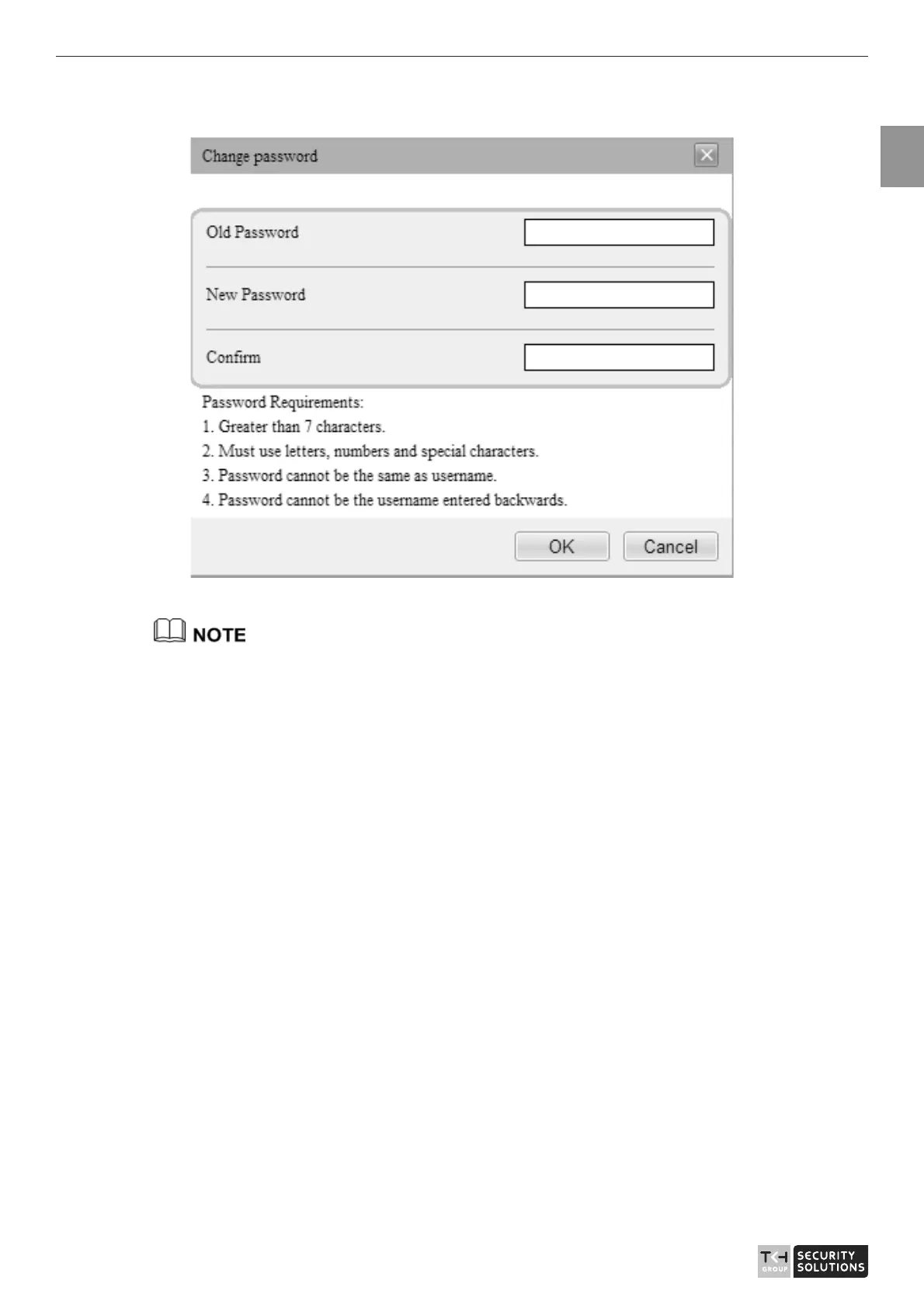
Figure 1-3 Modify Password dialog box
The change password page will be displayed if you don’t change the default password when
you login the system for the first time. User need to wait at least three minutes after
changing password, and then restart the device. The password incorrect more than 3 times,
please login again after 5 minutes
Step 2 Input the old password, new password, and confirmation password.
Step 3 Click OK.
Step 4
If the message "Change own password success" is displayed, the password is
successfully changed. If the password fails to be changed, the cause is displayed. (For
example, the new password length couldn’t be less than eight.)
Click OK. The login page is displayed.
1.4 Browse Video
User can browse the real-time video in the web management system.
Preparation
To ensure the real-time video can be play properly, you must perform the following
operation when you login to the web for the first time:
Step 1 Open the Internet Explorer. Choose Tools > Internet options > Security > Trusted
sites > Sites.



 To Next Page