User Manual - Network Dome - TKID45F2S - TKID85F2S - TKID45M1S - TKID85M1S
EN
11
The login page is display when the control is loaded.
1.4.1 Install Plugins
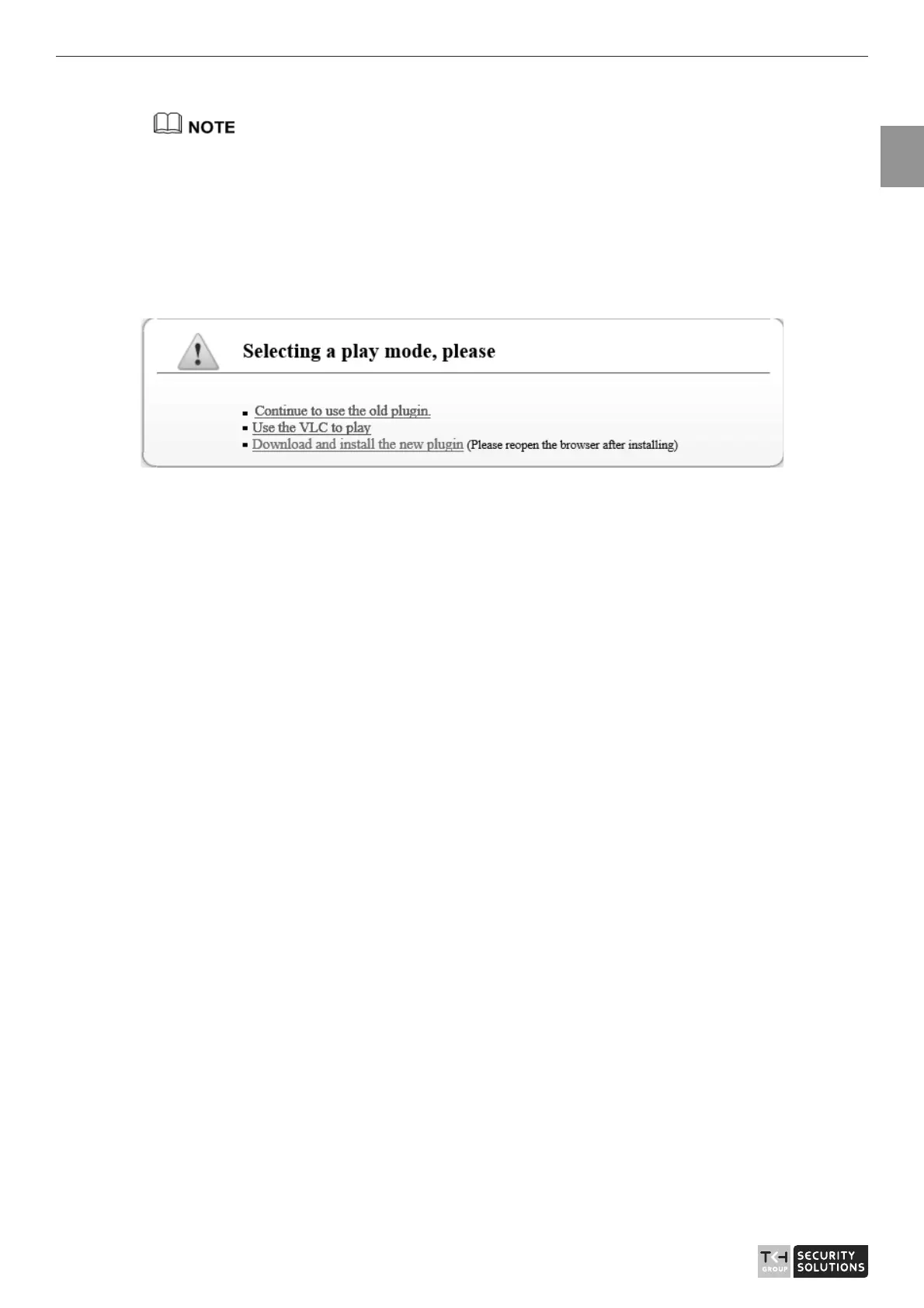
You will be prompted with a message “Download and install the new plugin” will show
as in Figure 1-6, when you login to the web management system for the first time.
Figure 1-6 Install plugin
Procedure
Step 1 Click the message, download and install the plugin follow the prompts.
Step 2 During installing, user should close the browser.
Step 3 Reopen the browser after installation.
1.5 Setting Local Network Parameters
Description
Local network parameters include:
z
IP protocol
z
IP address
z
Subnet mask
z
Default gateway
z
Dynamic Host Configuration Protocol (DHCP)
z
Preferred Domain Name System (DNS) server
z
Alternate DNS server
z
MTU
Procedure
Step 1 Choose Configuration > Device >Local Network.
The Local Network page is displayed, as shown in Figure 1-7.



 To Next Page