User Manual - Network Dome - TKID45F2S - TKID85F2S - TKID45M1S - TKID85M1S
EN
6
4XLFN&RQILJXUDWLRQ
1.1 Login and Logout
You must use Internet Explorer 8 or a later version to access the web management
system; otherwise, some functions may be unavailable.
Login system
Step 1 Open the Internet Explorer, enter the IP address of IP camera (default value:
192.168.0.121) in the address box, and press Enter.
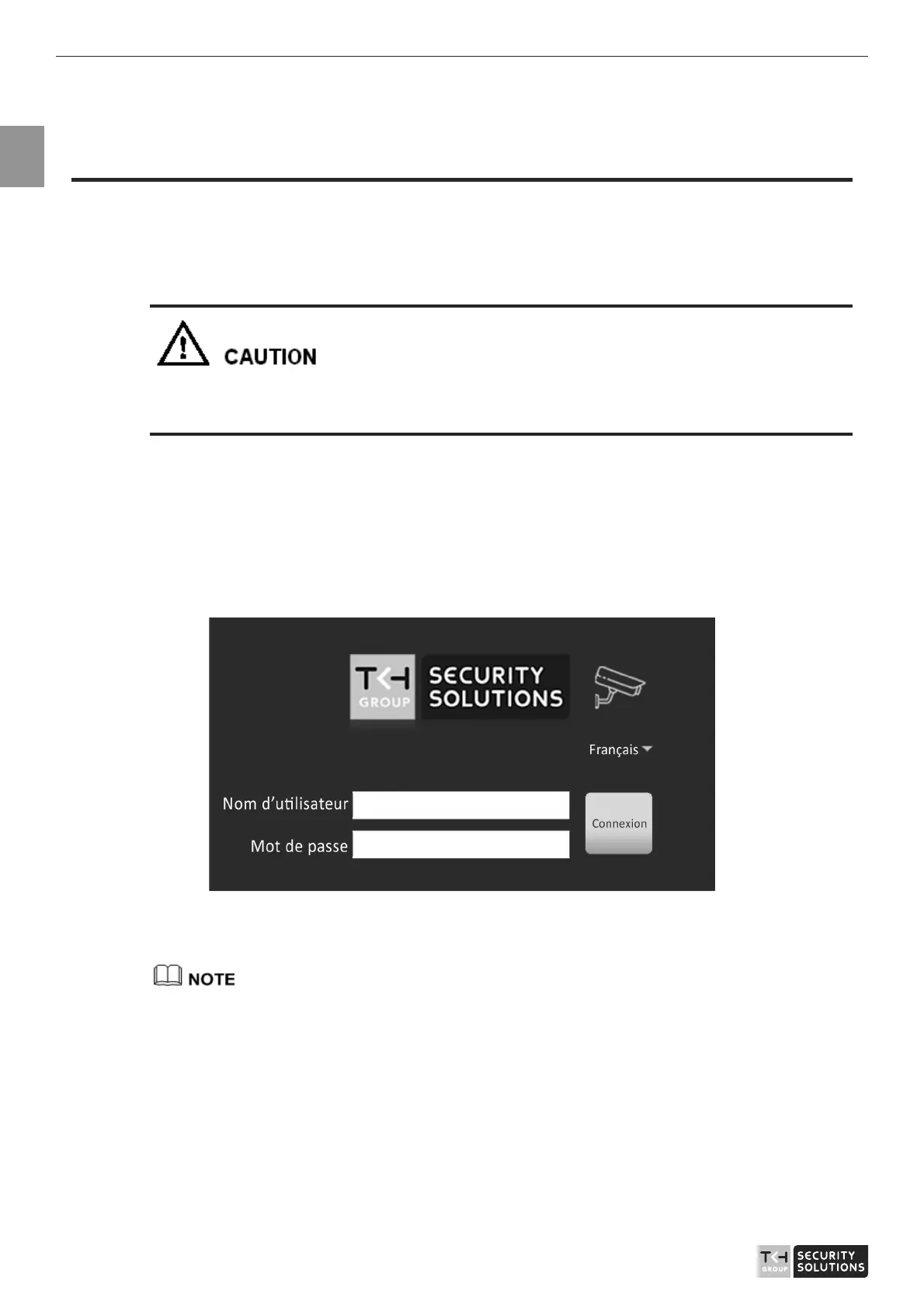
The login page is displayed, as shown in Figure 1-1.
Figure 1-1 Login page
Step 2 Input the User and password.
z
The default name and password are both admin. Modify the password when you login
the system for first time to ensure system security. After modifying password, you need
to wait at least three minutes then power off to make sure modifying successfully . Or
login the Web again to test the new password.
z
You can change the system display language on the login page.
Step 3 Click Login arrow. The main page is displayed.



 To Next Page