User Manual - Network Dome - TKID45F2S - TKID85F2S - TKID45M1S - TKID85M1S
EN
18
Parameter Description Configuration
Method
Aisle Mode The image rotates 90 degrees clockwise when aisle mode is
enabled.
[Setting method]
Tick the Freeze
status.
[Default value]
Disable
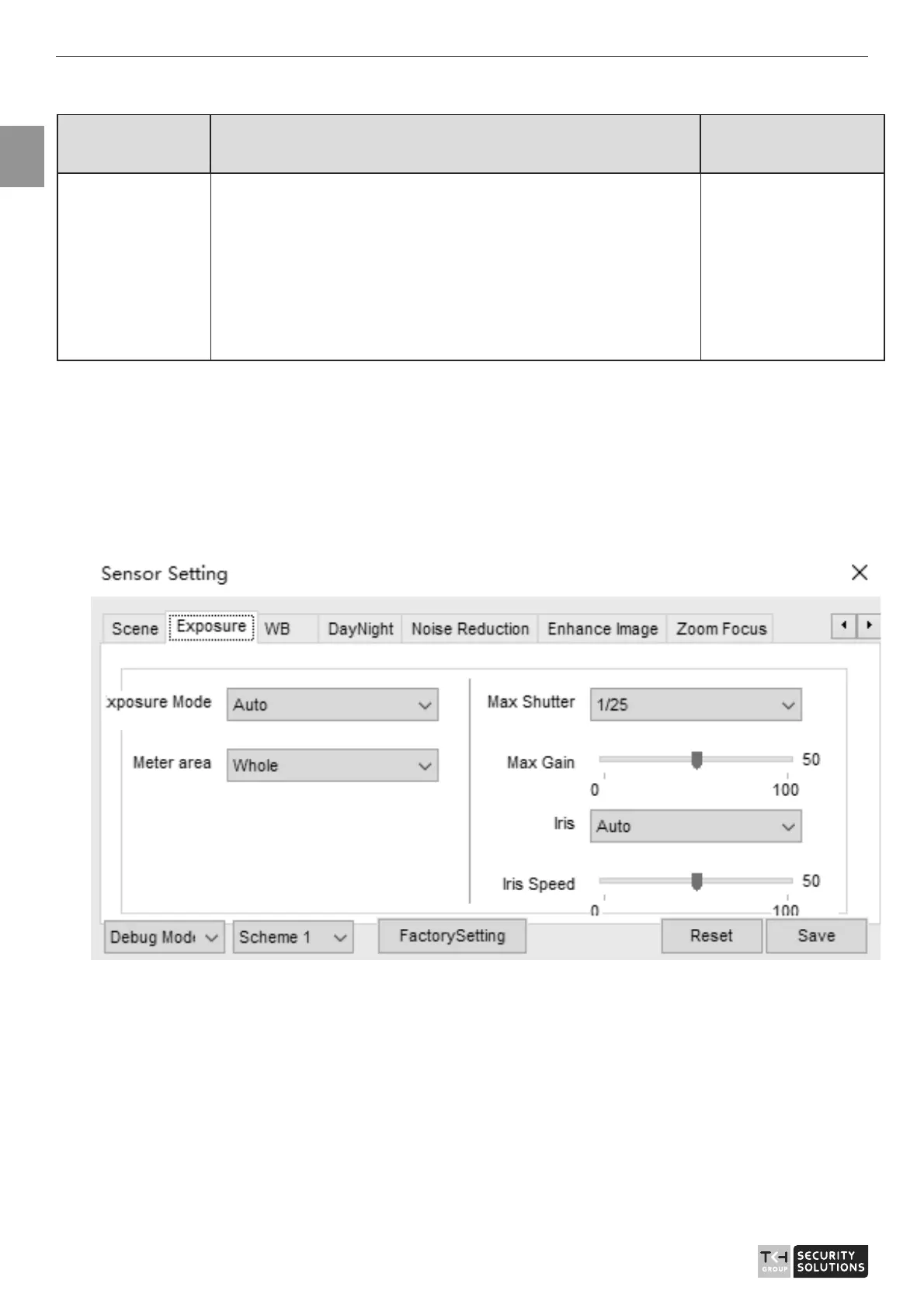
2.5 Exposure
Figure 2-5 shows the Exposure interface.
Figure 2-5 Exposure interface for IP camera
Table 2-4 describes Exposure parameters.



 To Next Page