User Manual - Network Dome - TKID45F2S - TKID85F2S - TKID45M1S - TKID85M1S
EN
17
2.4 Scene Mode
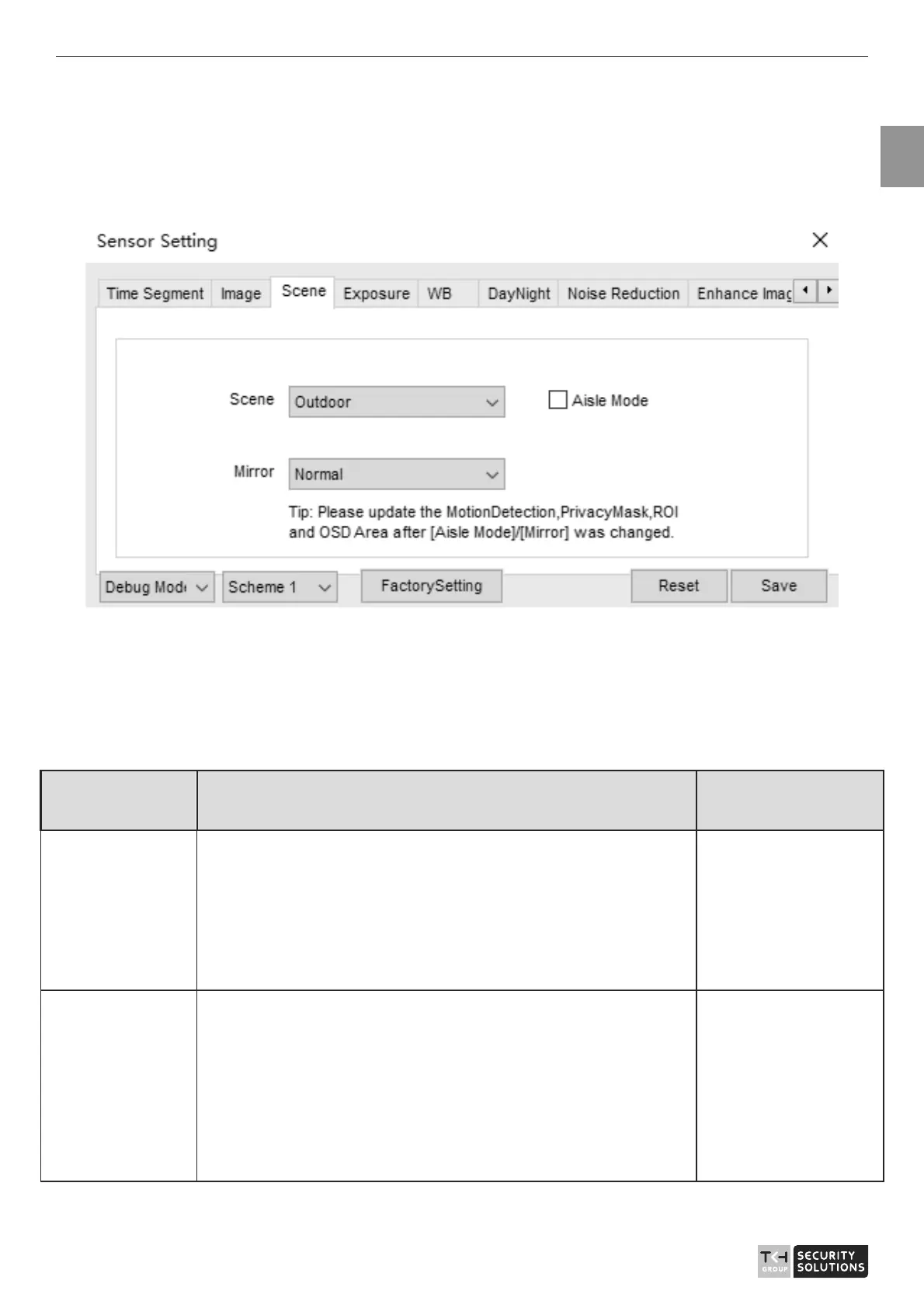
Figure 2-4 shows the scene mode interface.
Figure 2-4 Scene mode interface for IP camera
Table 2-3 describes the Scene mode parameters.
Table 2-3 Scene mode parameters description
Parameter Description Configuration
Method
Scene
It indicates the working mode of a camera..
z
Outdoor: It applies to outdoor scenarios.
z
Indoor: It applies to indoor scenarios.
[Configuration
method]
Select from the
drop-down list
[Default value]
Outdoor
Mirror It is used to select the pixel location of an image.
z
Normal: The image does not flip.
z
Horizontal: The image flips to the left and right.
z
Vertical: The image flips up and down.
z
Horizontal and vertical: The image rotates at 180
degrees.
[Setting method]
Select a value from
the drop-down list.
[Default value]
Normal



 To Next Page