User Manual - Network Dome - TKID45F2S - TKID85F2S - TKID45M1S - TKID85M1S
EN
16
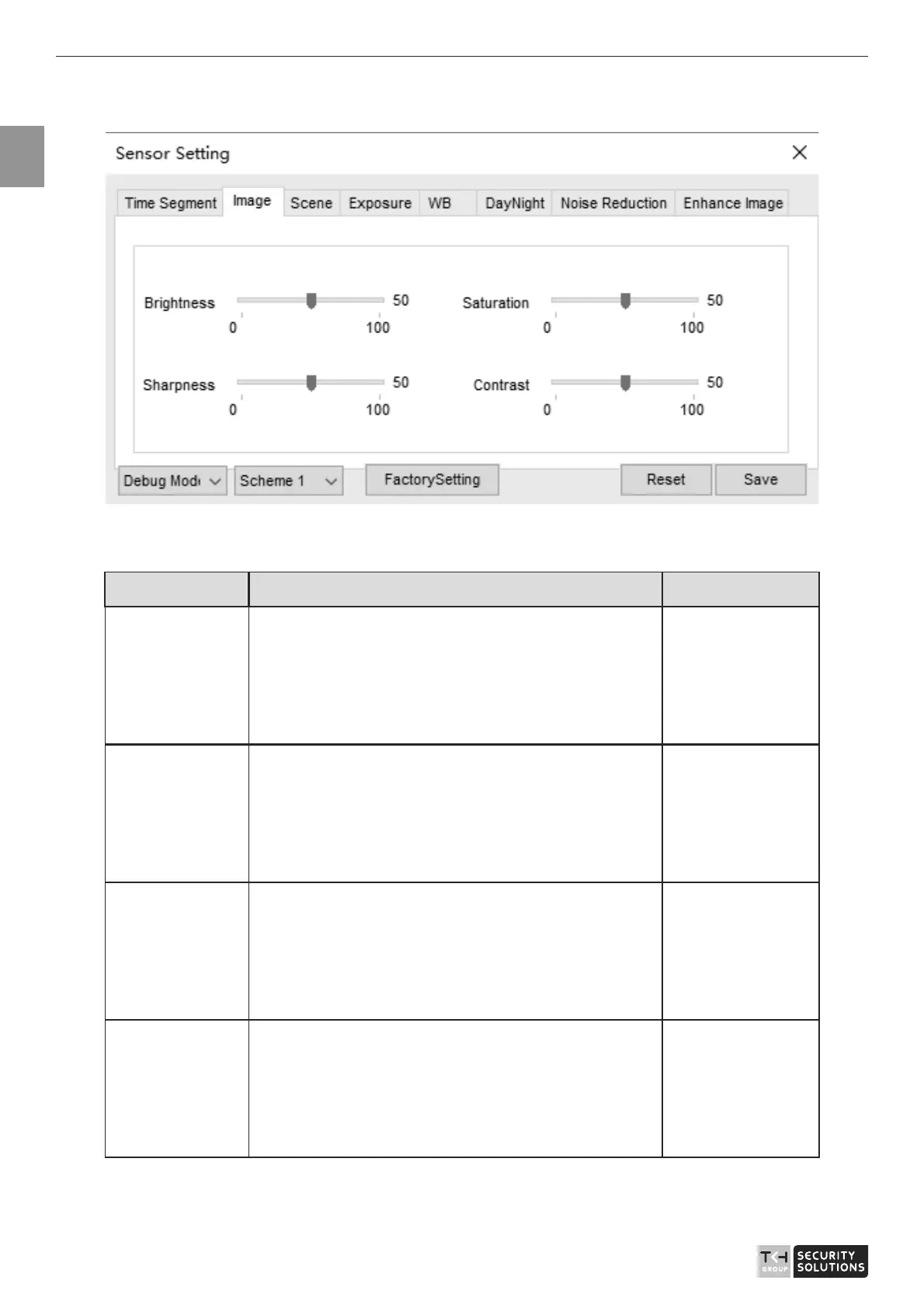
Figure 2-3 Image interface
Table 2-2 lists the image setting parameters.
Table 2-2 Image setting parameters
Parameter Description Setting
Brightness It indicates the total brightness of an image. As
the value increases, the image becomes brighter.
[Setting
method]
Drag the slider.
[Default value]
50
Contrast It indicates the contrast between the bright part
and the dark part of an image. As the value
increases, the contrast increases.
[Setting
method]
Drag the slider.
[Default value]
50
Saturation It indicates the color saturation of an image. As
the value increases, the image becomes more
colorful.
[Setting
method]
Drag the slider.
[Default value]
50
Sharpness
It indicates the sharpness of the image plane and
the sharpness of the image edge. The shaper the
image, the better detail contrast.
[Setting
method]
Drag the slider.
[Default value]
50



 To Next Page