User Manual - Network Dome - TKID45F2S - TKID85F2S - TKID45M1S - TKID85M1S
EN
15
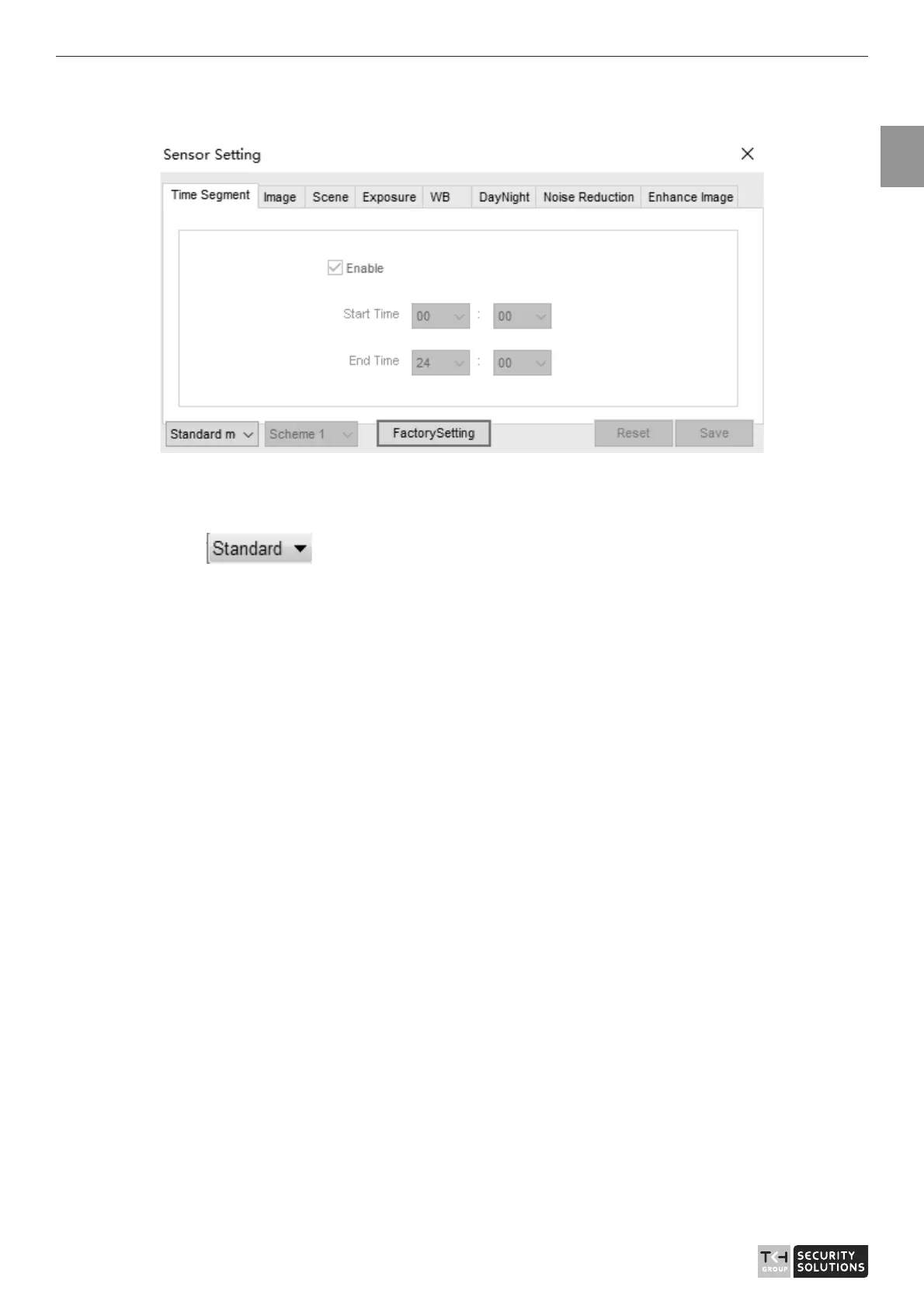
Figure 2-2 Time segment interface
Operation Procedure
Step 1 Click
in the lower left corner of Sensor Setting, and choose Debug
Mode.
Step 2 Tick Enable.
Step 3 Set the Start Time
Step 4 Set the End Time
Step 5 Click Save, the message "Save success" is displayed, the system saves the settings.
2.3 Image Setting
Figure 2-3 shows the image setting interface.



 To Next Page