User Manual - Network Dome - TKID45F2S - TKID85F2S - TKID45M1S - TKID85M1S
EN
29
Parameter Meaning Configuration Method
Anti-shake
The shakes and visual angle of image will reduce
when the camera shakes slightly and the anti-shake is
enable.
[Setting method]
Tick the Anti-shake
mode.
DeFog
It provides a clearer view of an image in the fogged
environment when Defog is enabled.
As the value increases, the image becomes clearer.
[Setting method]
Tick the Defog mode
and drag the slider.
[Default value]
50
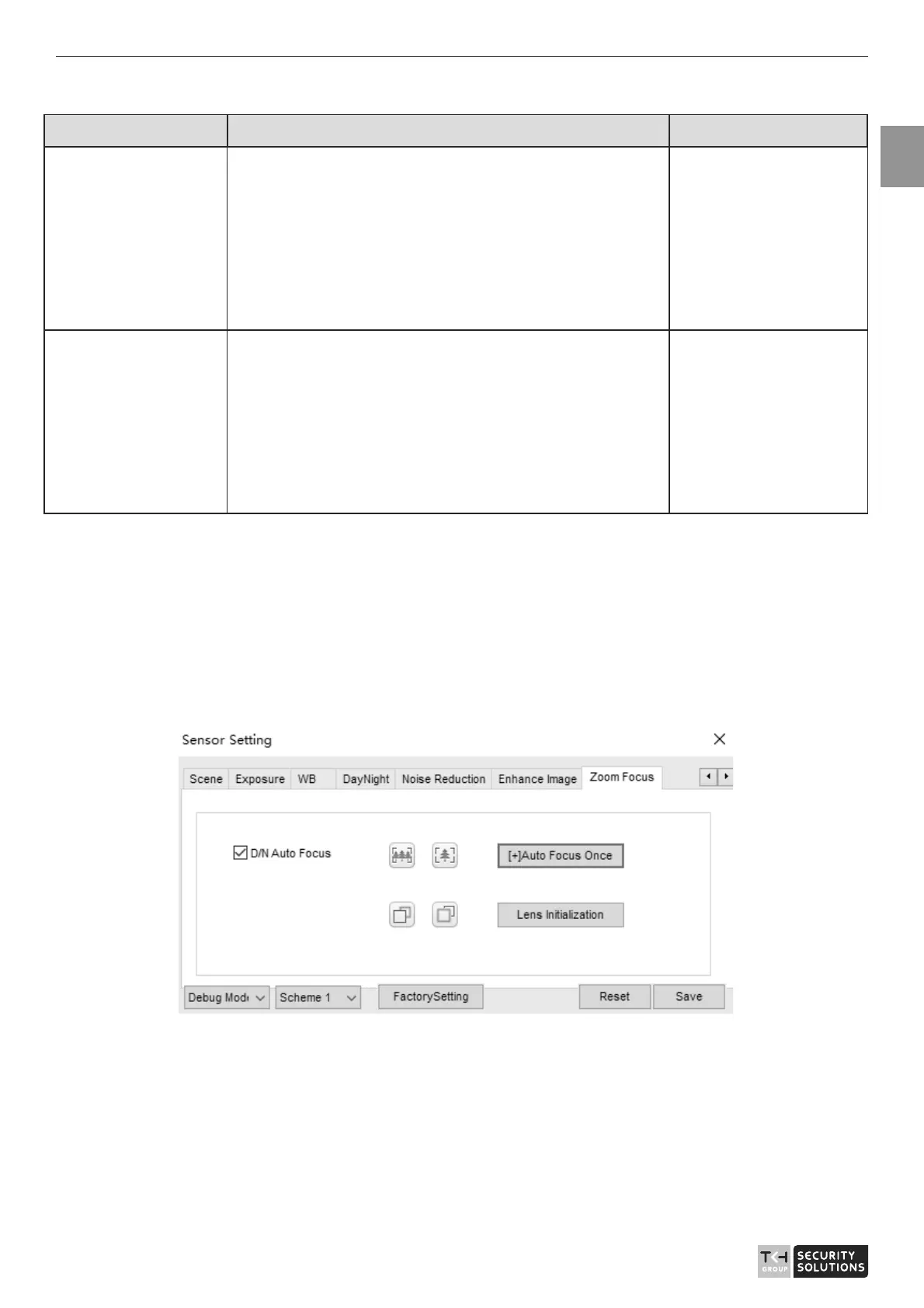
2.10 Zoom Focus
Figure 2-14 shows the zoom focus interface and Table 2-8 shows the zoom focus
parameter.
Figure 2-14 Zoom focus interface for IP camera



 To Next Page