17
Press MEM key to output the set range of data all at the same time (Press C to cancel).
(6) Deleting the measured data
● Deleting 1 data
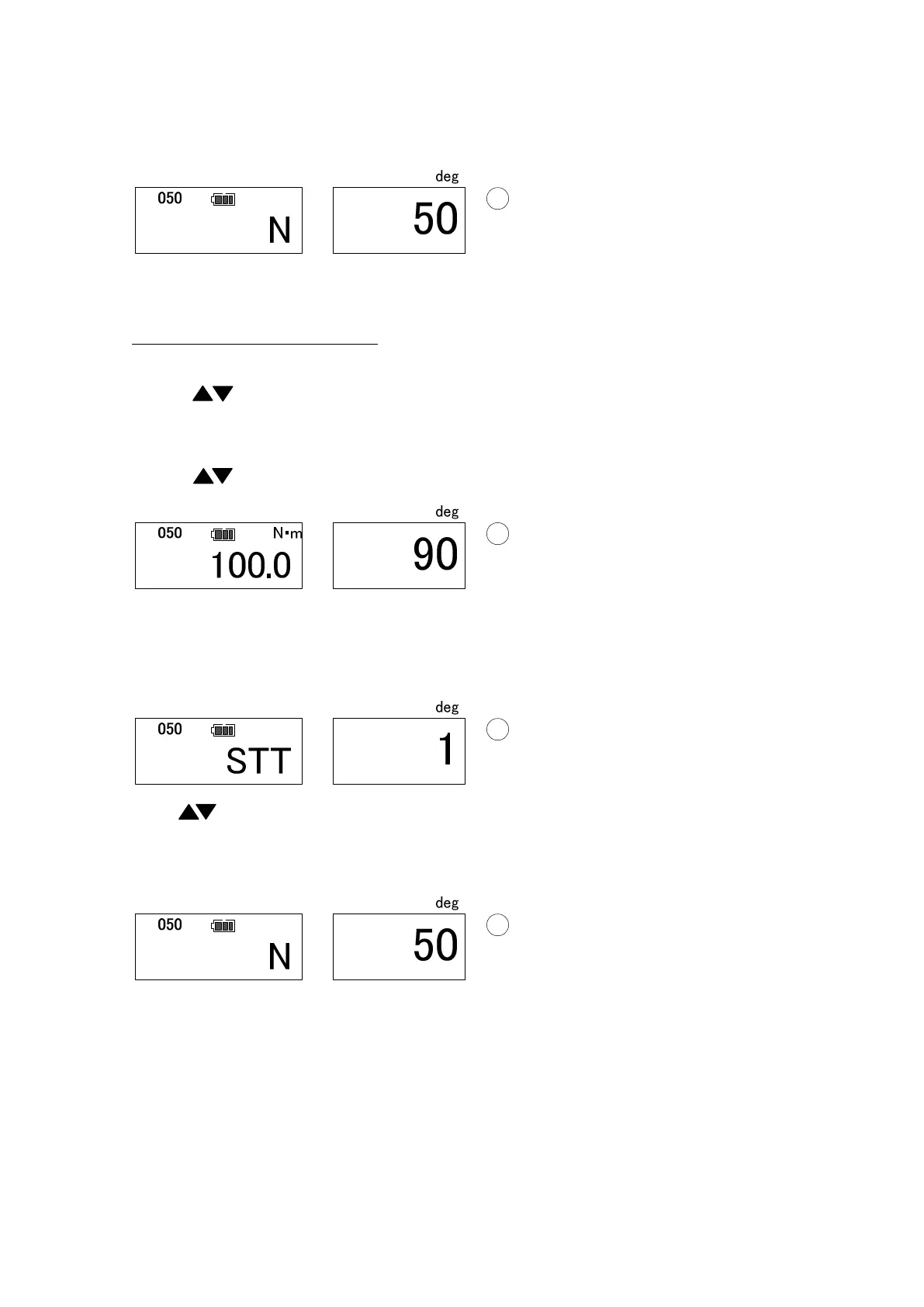
Use key to show the data to delete and press C key to delete.
● Deleting a set range of data
Use key to show the upper limit of the data range to delete.
Press MD to confirm the upper limit, then the display proceed to the lower limit
setting.
Use key to show the lower limit of the data range to delete, and press MD. The
Display shows the number of data to delete (Press C to cancel).
Keep MD key pressed and press C at the same time, then the set range of data will be
deleted all at once and return to measuring mode.


 To Next Page