41
9.Various settings (using the application software)
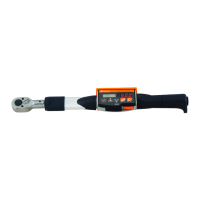
CTA2-G requires mode/parameter setting according to customer usage.
Setting can be done through the enclosed application software or the key operation on CTA2-G
itself (P28).
①Install the enclosed application software and the USB driver to PC (Refer to the instruction
manual on the CD for installing method. Connect CTA2-G and PC with the dedicated
communication cable (No.584). Make the same communication settings (baud rate, data
length, parity) on CTA2-G and the PC at parameter setting.
②Turn on CTA2-G and start application software, communication will be established. In case of
connection troubles, check followings.
-Installation of USB driver
-Connecting cable
-Power status of CTA2-G
-Parameter settings of CTA2-G and application software
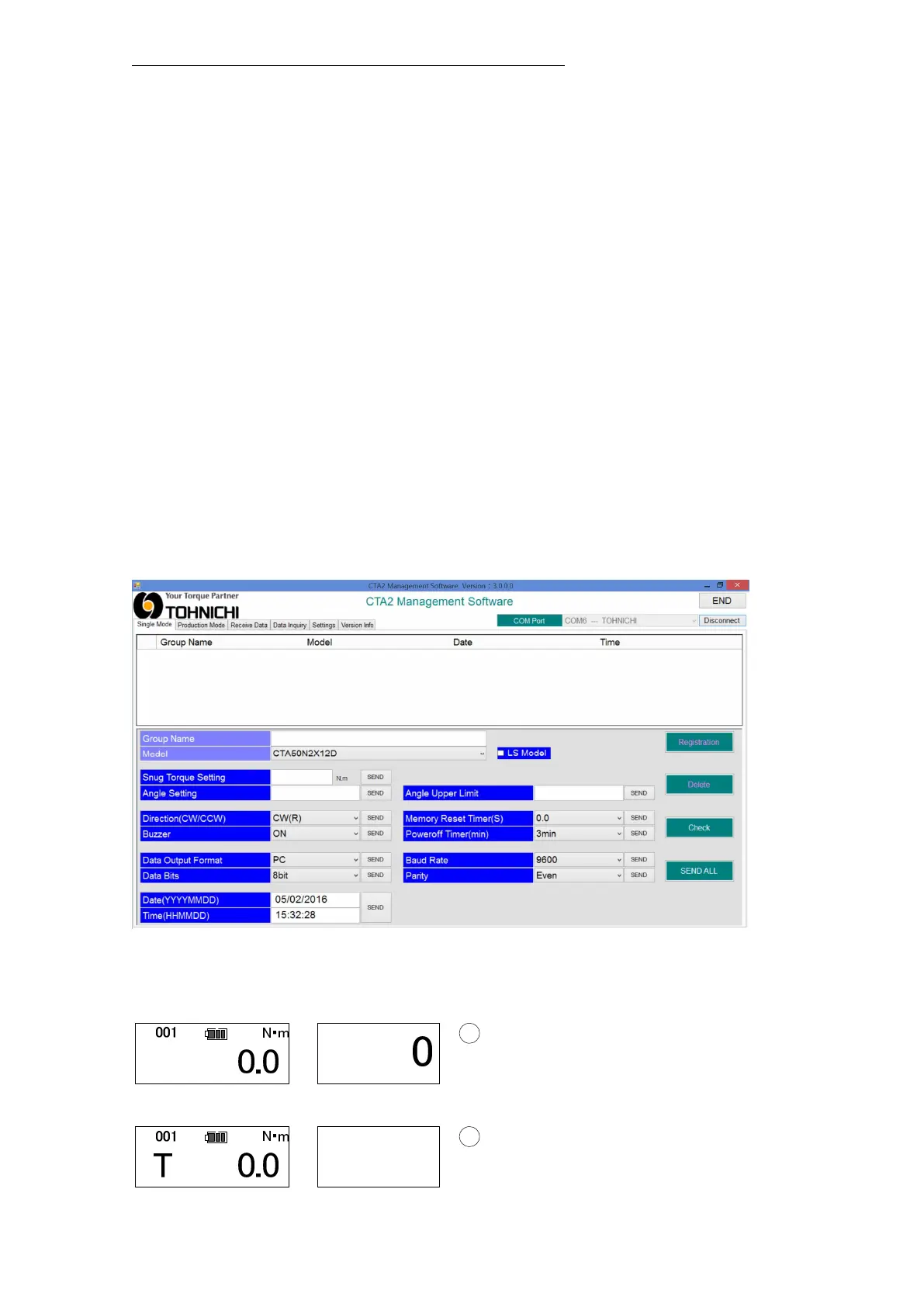
③Check the current settings
・ Select "Single Mode" or "Production Mode" and click
Setting (no registration)
・ Turn on CTA2-G. Click “Check” on the PC and the current settings will be transferred to
PC for checking.
Measurement ready (Single spindle tightening mode)


 To Next Page