43
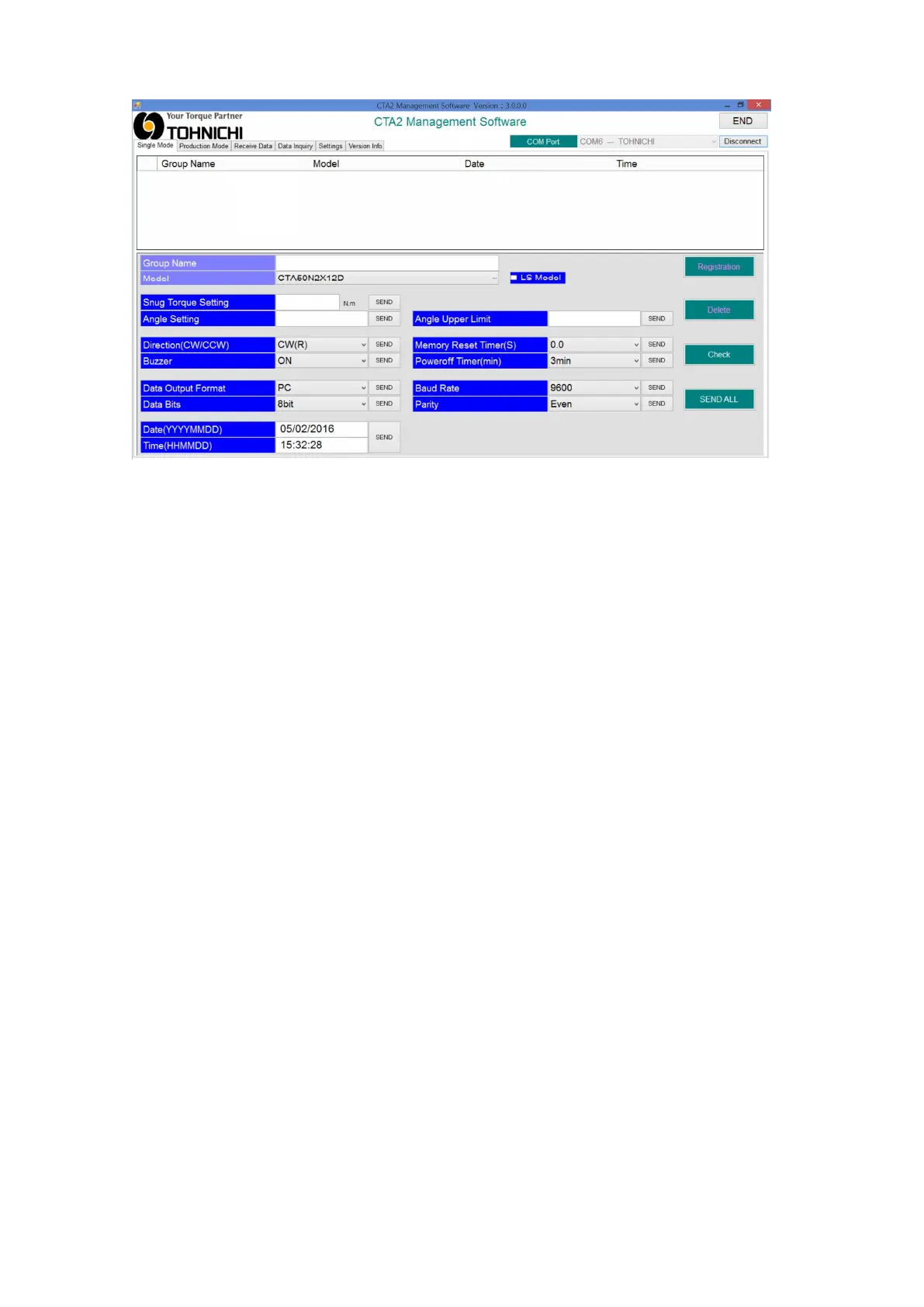
⑤Transfer new settings to CTA2-G
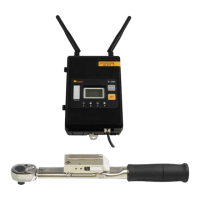
Turn on CTA2-G and make sure it is connected.
○Setting all at one time
・To make all the settings at one time.
・Click “SEND ALL” to transfer all the setting values to CTA2-G to overwrite the settings on
CTA2-G.
○Setting one by one
・To set each value of the setting requirements on one by one basis.
・Click “<<SEND” on the particular part which you want to change to overwrite the setting on
CTA2-G.
※After transferring the setting, click “Check” to confirm the new settings were received by
CTA2-G.


 To Next Page