46
○Production Tightening Mode
①Preparation
Install the enclosed application software and the USB driver to PC (Refer to the instruction
manual on the CD for installing method. Connect CTA2-G and PC with the dedicated
communication cable (No.584). Make the same communication settings (baud rate, data
length, parity) on CTA2-G and the PC at parameter setting.
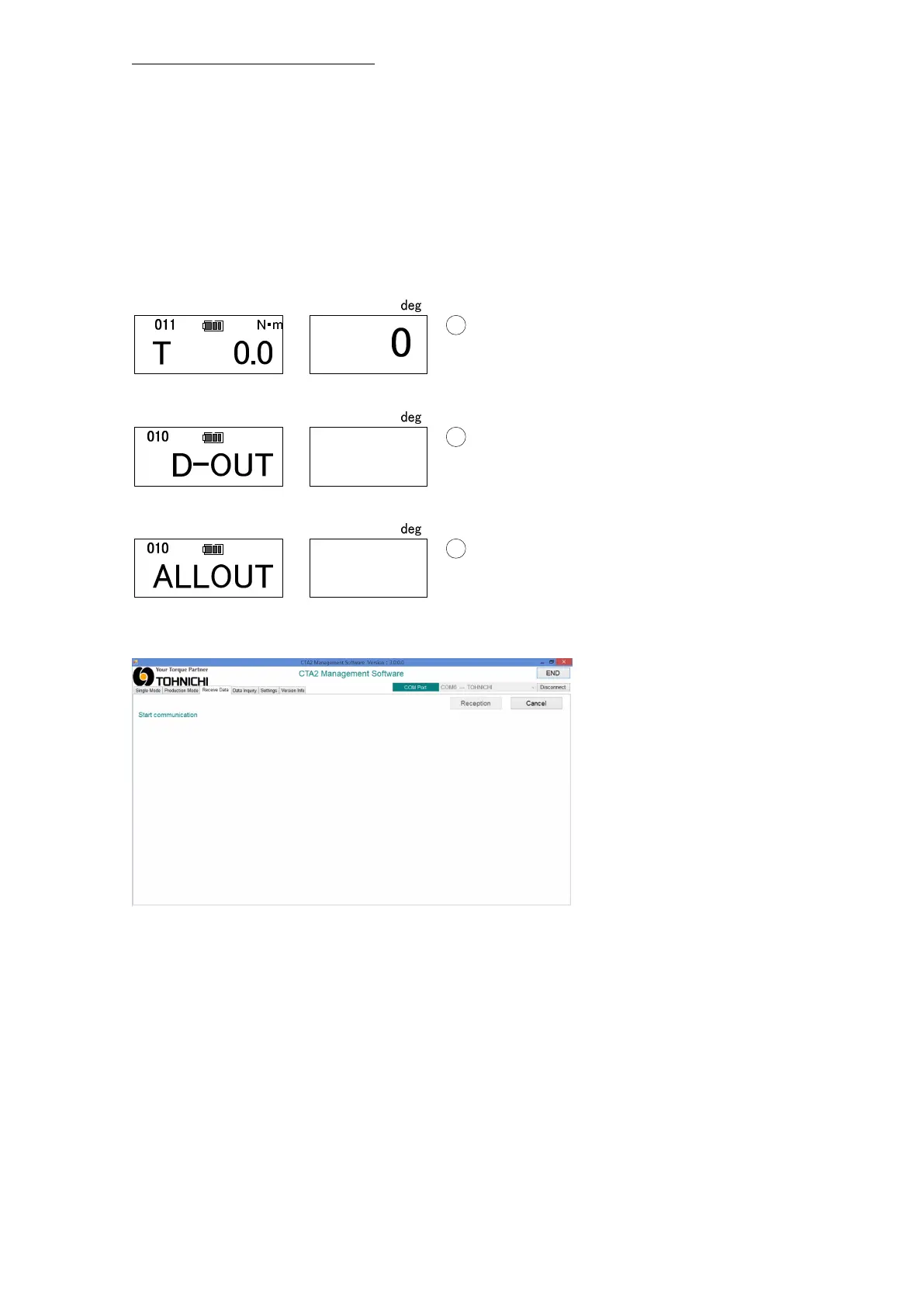
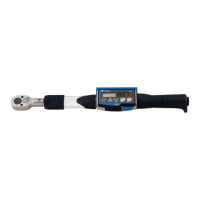
②Set CTA2-G ready for data output CTA2-G by pressing the "MD" key in PEAK Mode〈any
count 001-999〉.
Press MD key at PEAK mode, then it will be set ready for 1 set data output.
Press MD key again to set ready for all data output.
③Waiting to receive data
・Select "Receive Data"
・Click “Reception” then, it starts communication(Waiting).


 To Next Page