14 Tone Commander 8610/8620 User Guide
Dialing a Call Log Entry
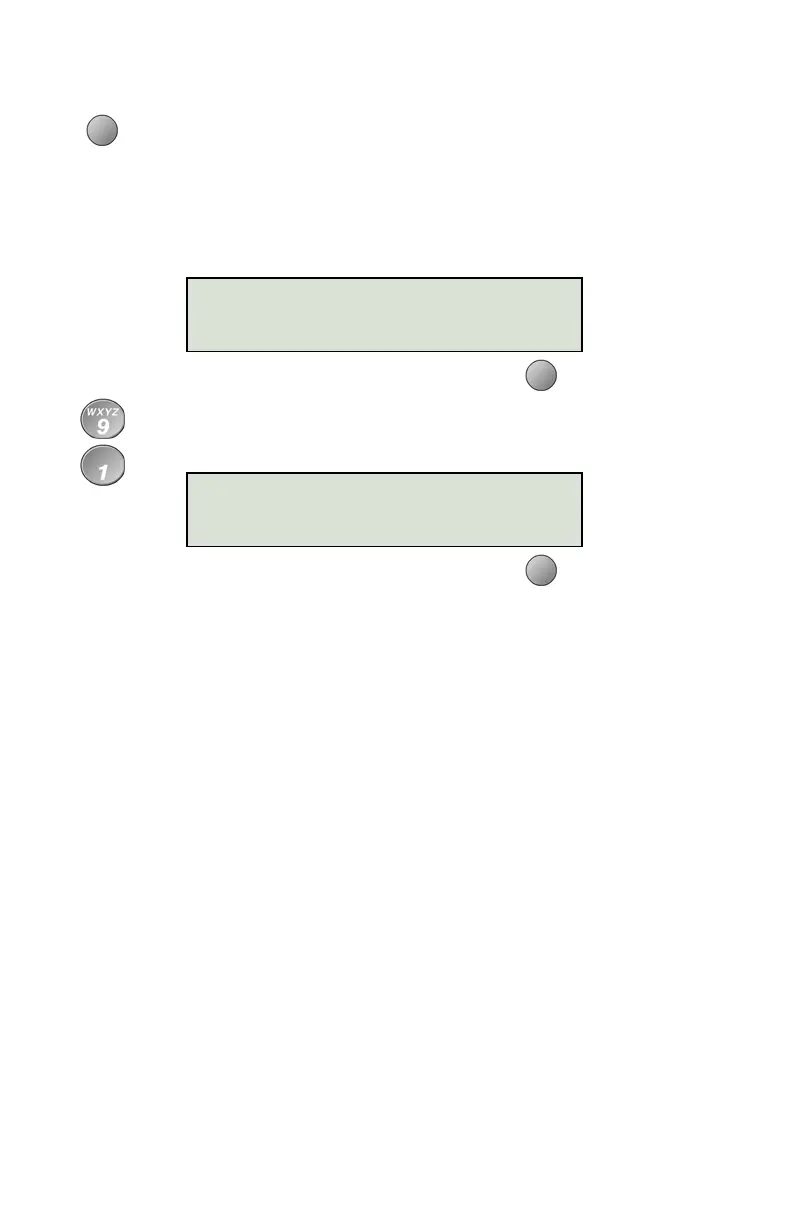
With the call you want to dial showing in the call log display,
select DIAL.
An idle call appearance will be automatically selected. The
directory number from the log will be shown in the second line
of the display. For outgoing calls, all digits that were dialed to
complete the original call are shown.
Add any required prefixes, and then press the softkey under
the directory number to dial the digits displayed.
3=
Dial
:
9995551234
3=91
9995551234



 To Next Page