Tone Commander 8610/8620 User Guide 15
Using the Call Directory
What is the Call Directory?
The Call Directory is a softkey-based speed dialing system that can
store up to 36 entries. A name display identifies each entry. Use the
directory to store frequently-dialed numbers when additional Speed
Dial keys are not available.
Directory entries are displayed on nine screen pages, with four entries
per page. The current directory page number (1-9) will be shown at the
upper right of the display.
Dialing from the Call Directory
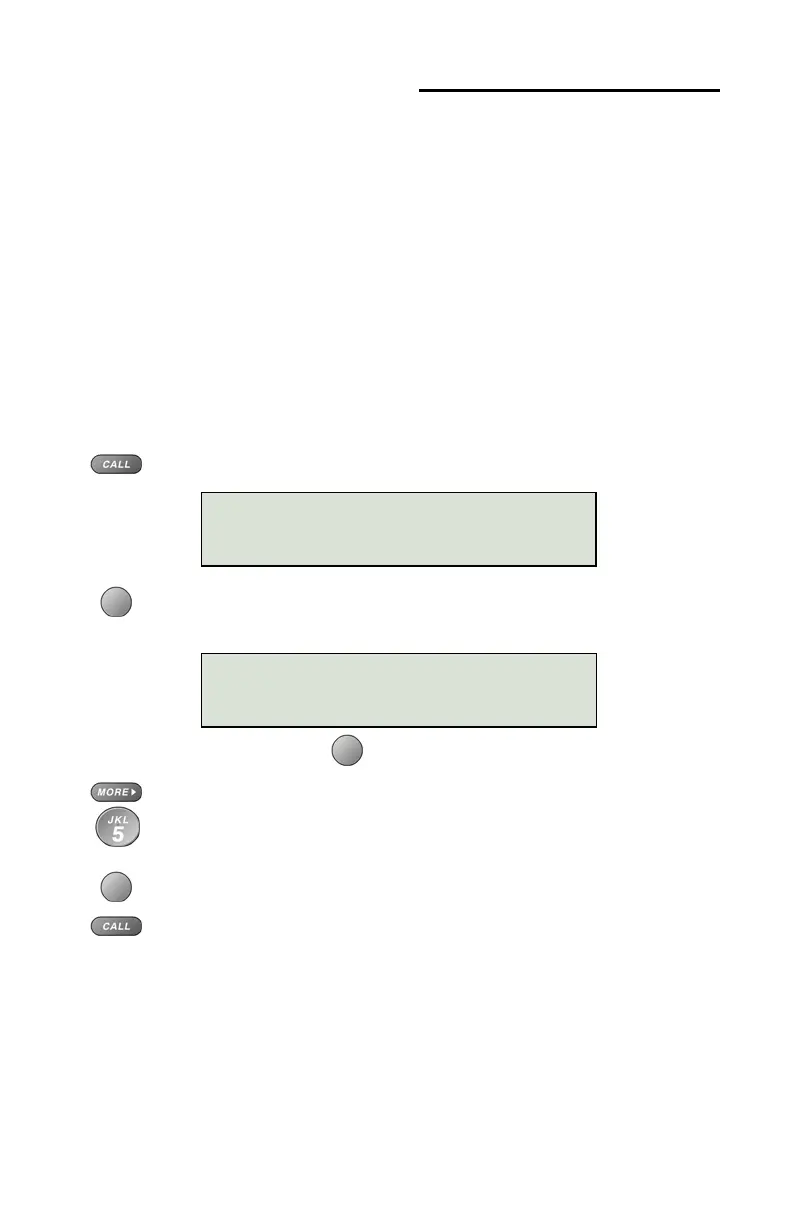
Press the CALL key.
Select DIR (Shortcut – you can skip this step and press a
dial pad key to select a directory page).
To see a different directory page, select a page by pressing a
dial pad key (1-9), or press the
MORE
4
key to cycle through
the nine pages until the desired page is displayed.
Press the softkey that is under the number you want to dial.
To exit the Call Directory, press the
CALL key again.
CALL MENU
DIR LOG ID
DIRECTORY PAGE1\
Jim G Home



 To Next Page