Tone Commander 8610/8620 User Guide 31
Setting Up the Call Directory
Up to 36 numbers can be stored in the Call Directory. Directory entries
are similar to Speed Dial keys, but are accessed from a display menu.
Place your most frequently-dialed numbers on Speed Dial keys, if
available, and put other numbers in the directory.
Directory entries are displayed on nine screen pages, with four entries
per page. The current directory page number (1-9) will be shown at the
upper right corner of the display.
From the User Options menu, select DIR.
(
SETUP → USER
→ DIR)
Select a directory page by pressing a dial pad key (1-9), or
press the
MORE
4
key to cycle through the nine pages until
the desired page is displayed.
Select a directory entry by pressing the softkey below the
name display.
You can edit an existing entry or add a new one by pressing
the softkey below an entry position.
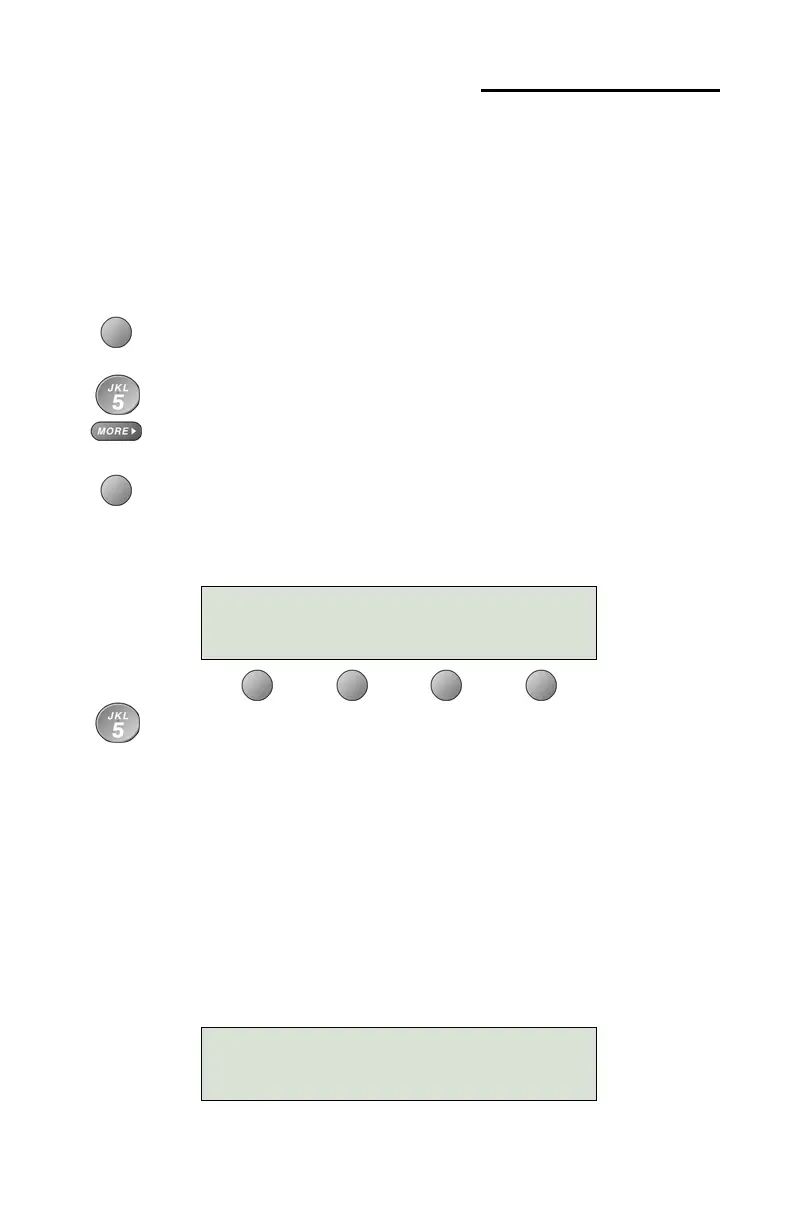
Using the dial pad, enter a name (5 characters max.) to
identify the directory entry. Press the dial pad key repeatedly
until the desired upper case letter, lower case letter, or
number appears in the display. For example, to enter the letter
‘L’, press the 5 key 3 times. Spaces and punctuation can be
entered with the # and
∗
keys.
After a short delay, the flashing cursor will advance to the next
character. Press the
MORE
4
key if you want to manually
move to the next character.
If you need to make corrections while entering the name,
select
Å
BKSP (backspace) to delete the current character
and move back to the previous one.
SELECT A SOFTKEY PAGE1\
Jim G Home
DIRECTORY NAME:Steve
|BKSP CLEAR MOVE NUMBER



 To Next Page