Tone Commander 8610/8620 User Guide 39
Setting a Call Log Password
You can set a password to prohibit unauthorized entry into your Call
Log.
From the User Options menu, select PASSWD.
(
SETUP → USER
→ MORE
4
→ PASSWD)
If a password is currently set, the display will prompt you to
enter your password prior to making changes.
Creating/Changing Your Password
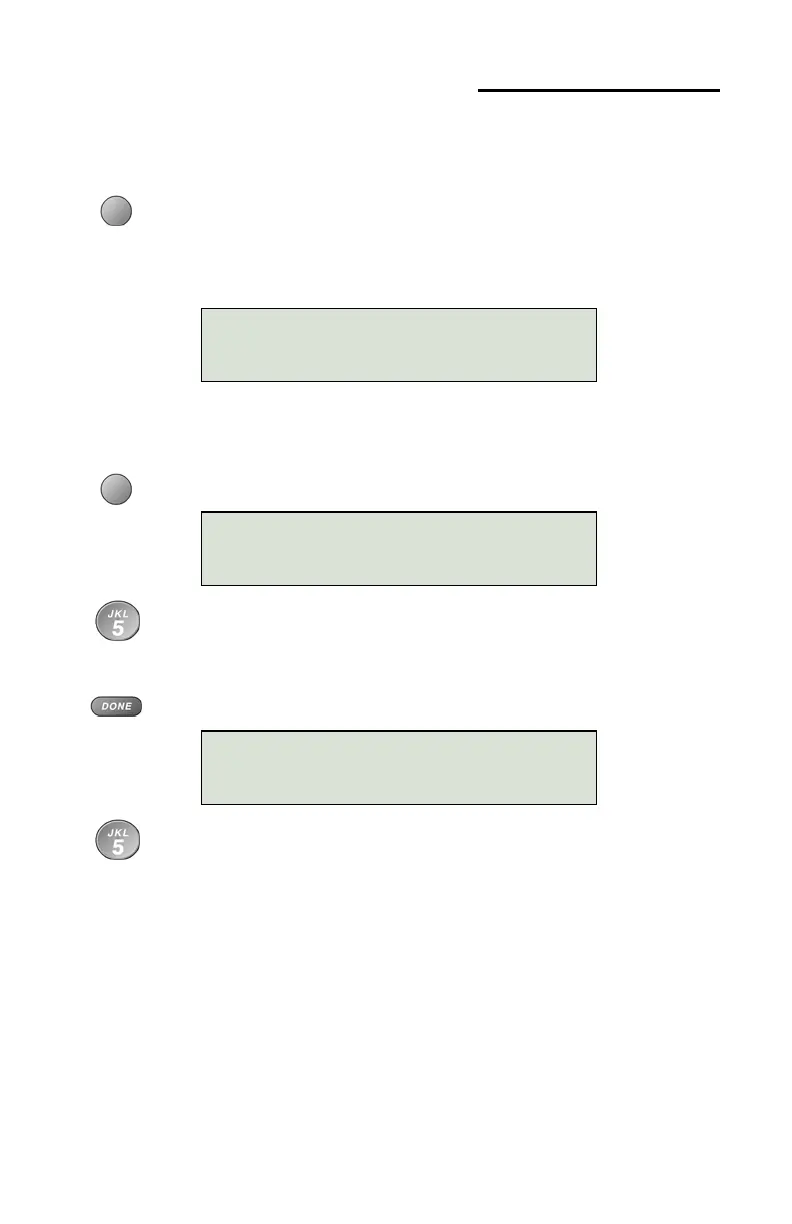
Select SET.
Enter a new 4 to 11 digit password with the dial pad.
If you need to make corrections, select
Å
BKSP (backspace)
to delete the previous digit.
Press the
DONE key.
Repeat the password when prompted to verify the new entry.
CALL LOG PASSWORD
SET CLEAR
NEW PASSWORD:
|BKSP
ENTER AGAIN:
|BKSP



 To Next Page