26 Tone Commander 8610/8620 User Guide
DSS Keys
DSS keys are a special type of Call Appearance/Directory Number
keys that are programmed with speed dial numbers to provide Direct
Station Selection. When the call appearance is idle or busy, DSS keys
act like Speed Dial keys, to call a station. When ringing, DSS keys act
like CA/DN keys, to answer a call. The LED indicator on the key shows
the status of the station’s call appearance (idle, ringing, hold, busy).
Shared call appearances for stations you wish to monitor must be
configured on your ISDN line. You must program the DSS number to
dial the monitored station on your phone (even if Parameter Download
is provided).
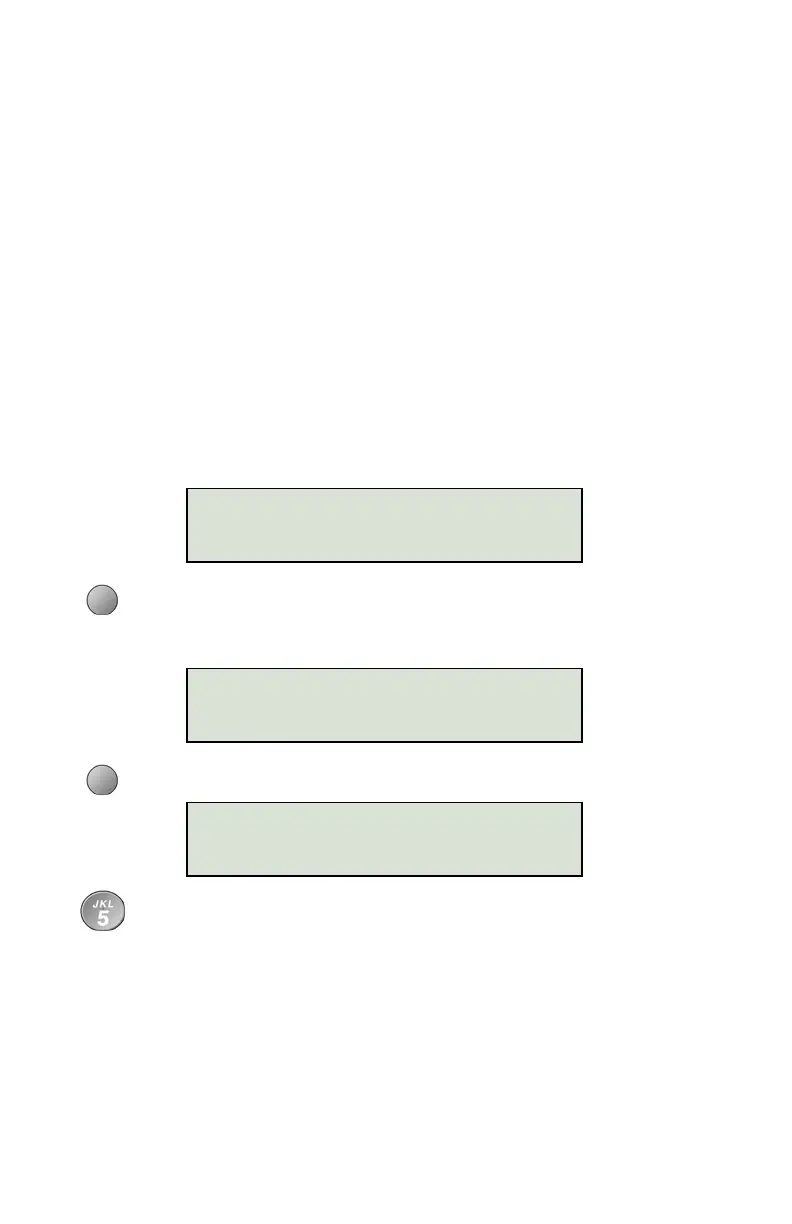
The Call Appearance number, key mode (CA or DSS), and
Directory Number will be shown in the top line of the display. If
the key is not currently set up as a DSS key, the DSS softkey
option will appear.
Select DSS to enable the DSS option on this CA/DN key. You
can change the key back to standard CA/DN operation (no
DSS) by selecting CA/DN.
Select DSS#.
Using the dial pad, enter the number you would dial to call the
monitored station.
If you need to make corrections while entering numbers,
select
Å
BKSP (backspace) to delete the previous digit.
CLEAR removes all digits, allowing you to start over.
1001
|BKSP CLEAR PAUSE
08=CA/DN# 5559876
DSS
08=DSS/DN# 5559876
CA/DN DSS#



 To Next Page