@ToolkitRC 2023
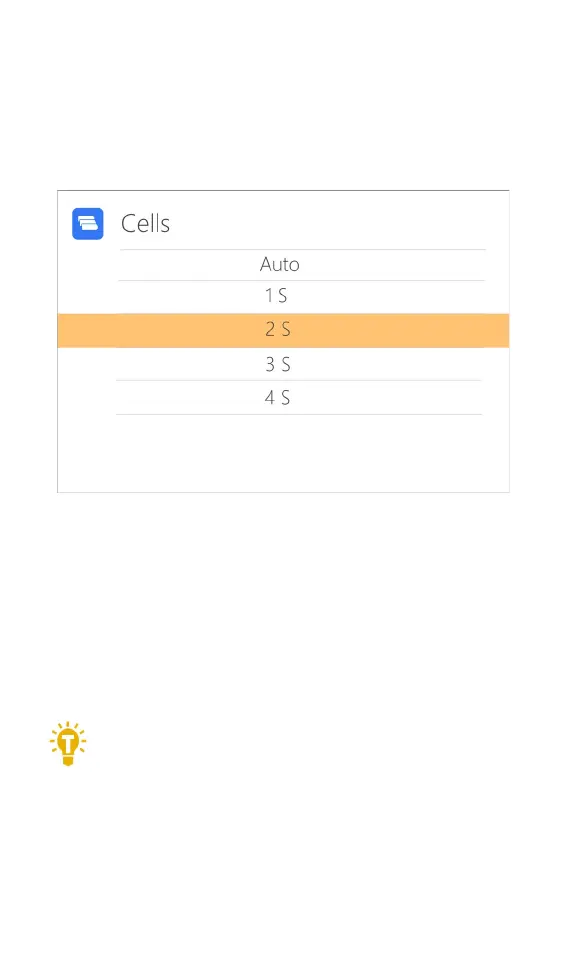
2,Number of cells
Move the cursor to the position of “Cells”, short press
[Scroll Wheel] to modify the number of battery cells. The
display is as follows:
Scroll [Scroll Wheel] to adjust the value. When set
to ”Auto”, the charger will automatically identify the
number of cells connected to the battery according to
the battery voltage connected to the output port. Short
press [Scroll Wheel] and [CH/Exit] to take effect and
return to the previous interface.
=================================
Tips: 1, Over discharge or overcharge of the connected
battery may cause battery cell identification errors.
2, If the cell number is set incorrectly, it may be
insufficient to charge, or overcharge may damage the battery,
please set it carefully. 3, After Lixx batteries are connected to
the balance port, the number of battery strings can be more
accurately identified.
==================================================



 To Next Page