3
Console Navigation
Chapter 2 –
This section describes how to access the required tuning settings for
each console.
2.1. X14 console
2.1.1. Setup and operation screens
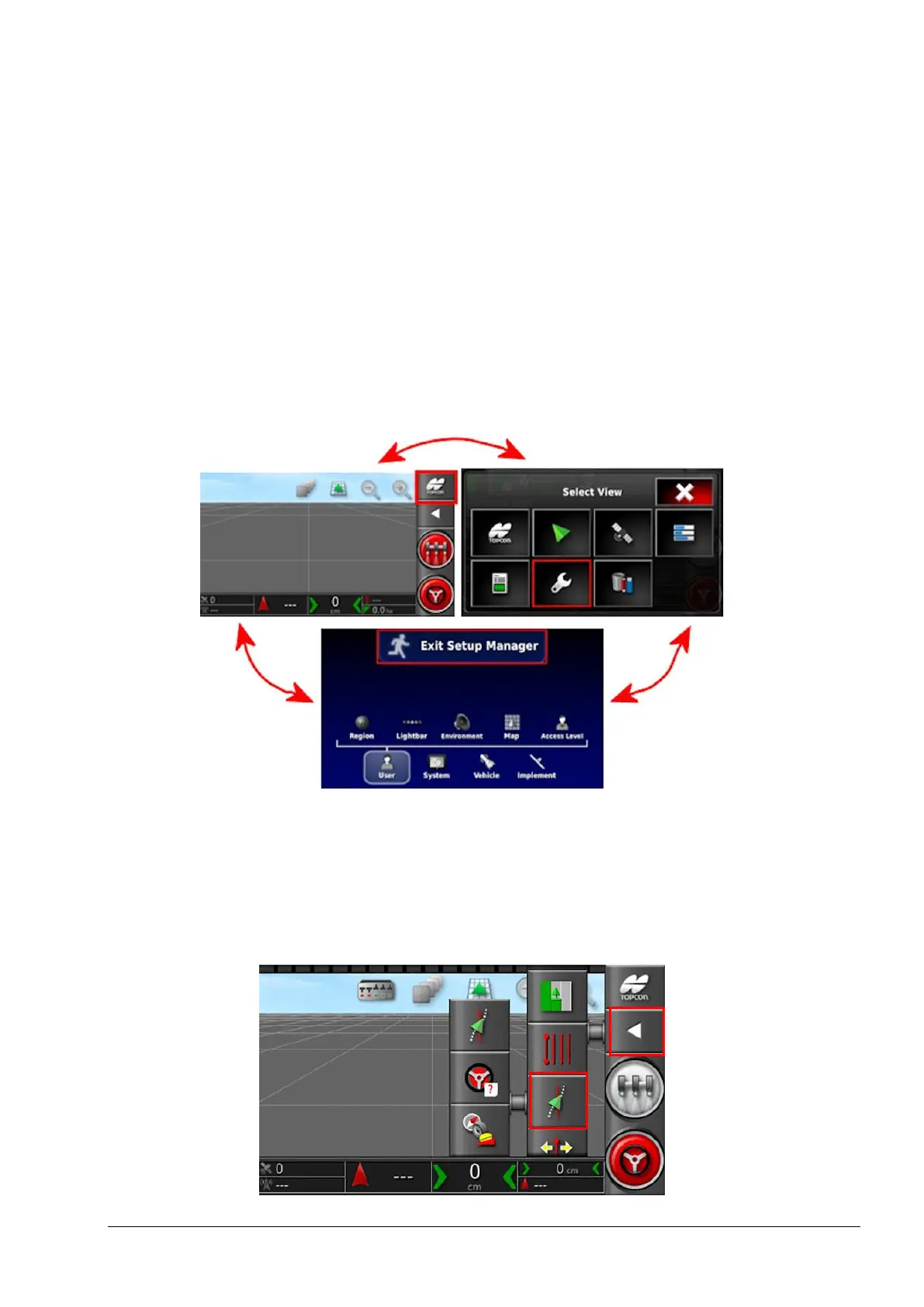
The X14 console has two main screens that are used during tuning; the
Operation screen and the Setup screen.
Use the highlighted buttons to switch between the screens.
2.1.2. Steering options menu
The steering tuning settings are accessed using the steering options
menu.



 To Next Page