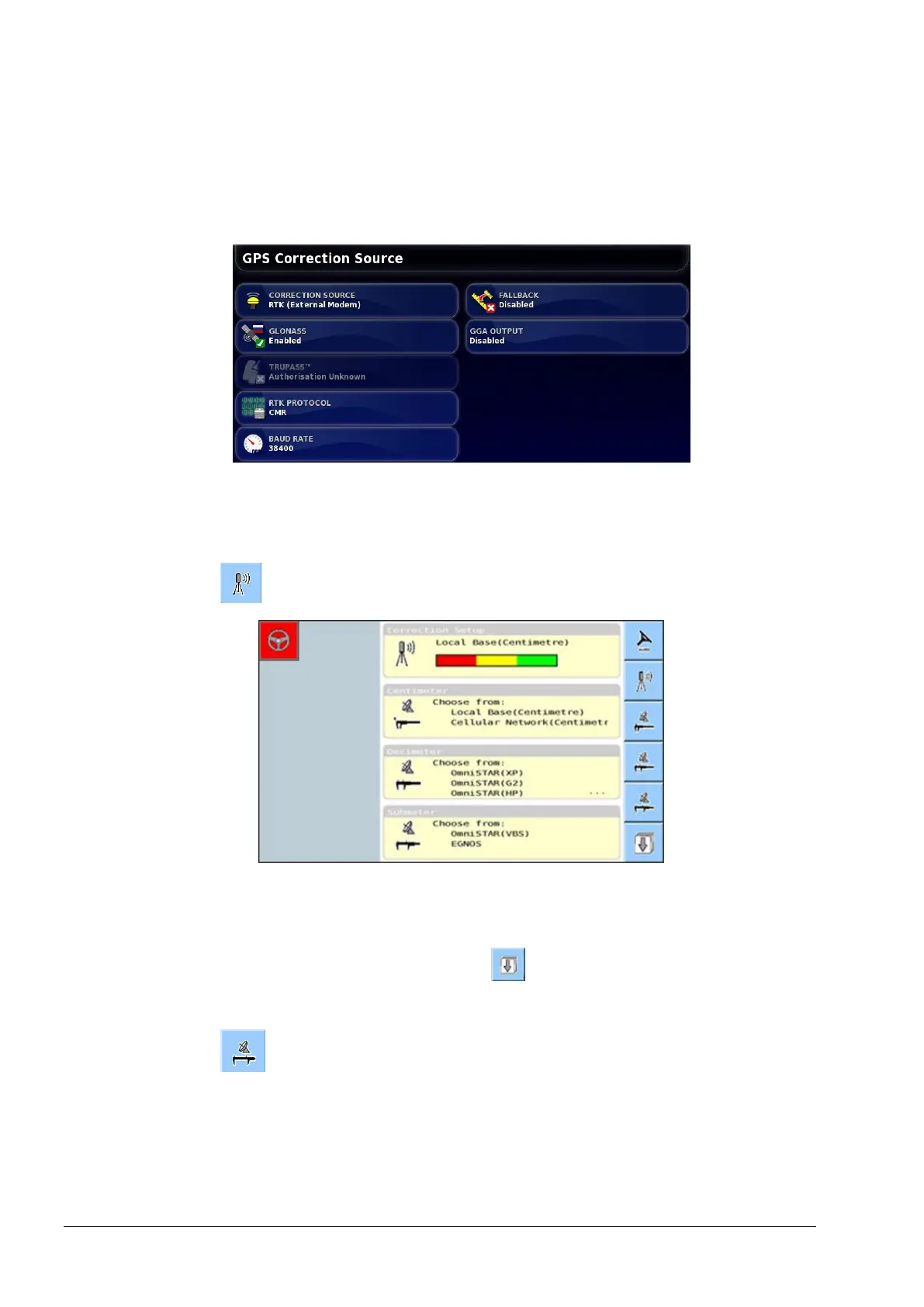
3.1 Select GPS correction source
10
3.1. Select GPS correction source
X30 console
1. Select System / GPS / Correction.
2. Select CORRECTION SOURCE and select Autonomous.
Universal terminal
1. Select from the advanced setup menu.
2. Select the correction source that will be used for operation in the
field.
3. If Autonomous is required, select to display the Autonomous
and Automatic screen.
4. Select to enable Autonomous as the correction source.



 To Next Page