2.4 Universal terminal (UT)
6
2.4. Universal terminal (UT)
2.4.1. Setting UT to advanced mode
The ISO UT allows you to operate in basic or advanced mode.
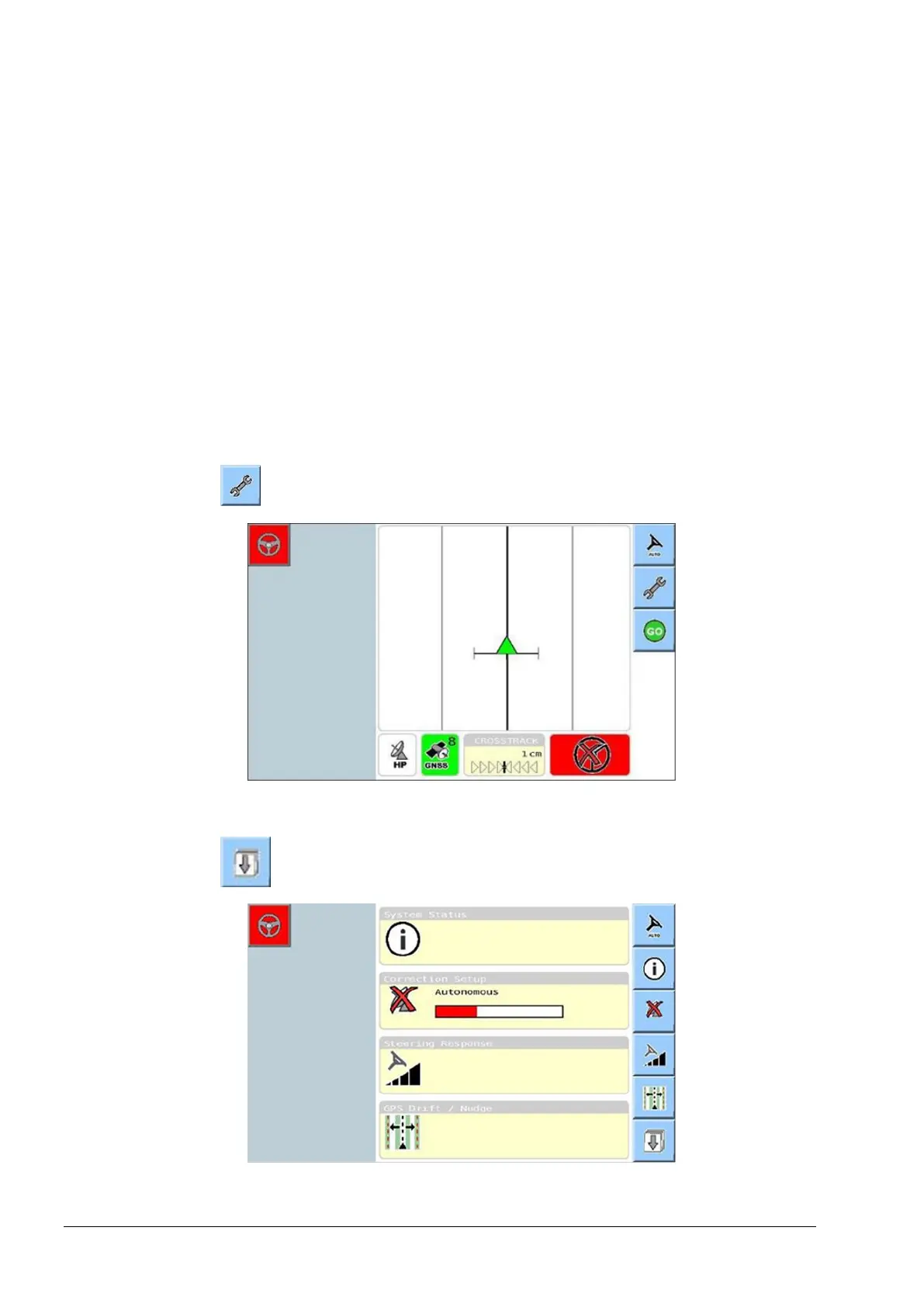
The ISO UT is usually set to the basic guidance mode by default. To
access the settings required for vehicle tuning, the ISO UT terminal
must be switched to advanced mode. The settings required for tuning
are selected from the advanced set-up menu.
Complete the steps below to switch to advanced mode and the
advanced set-up menu.
1. Select from the basic guidance mode.
The first screen of the basic setup menu is displayed.
2. Select to display the next menu of the basic setup screen.



 To Next Page