3.2 Select the vehicle profile
12
3.2. Select the vehicle profile
X30 console
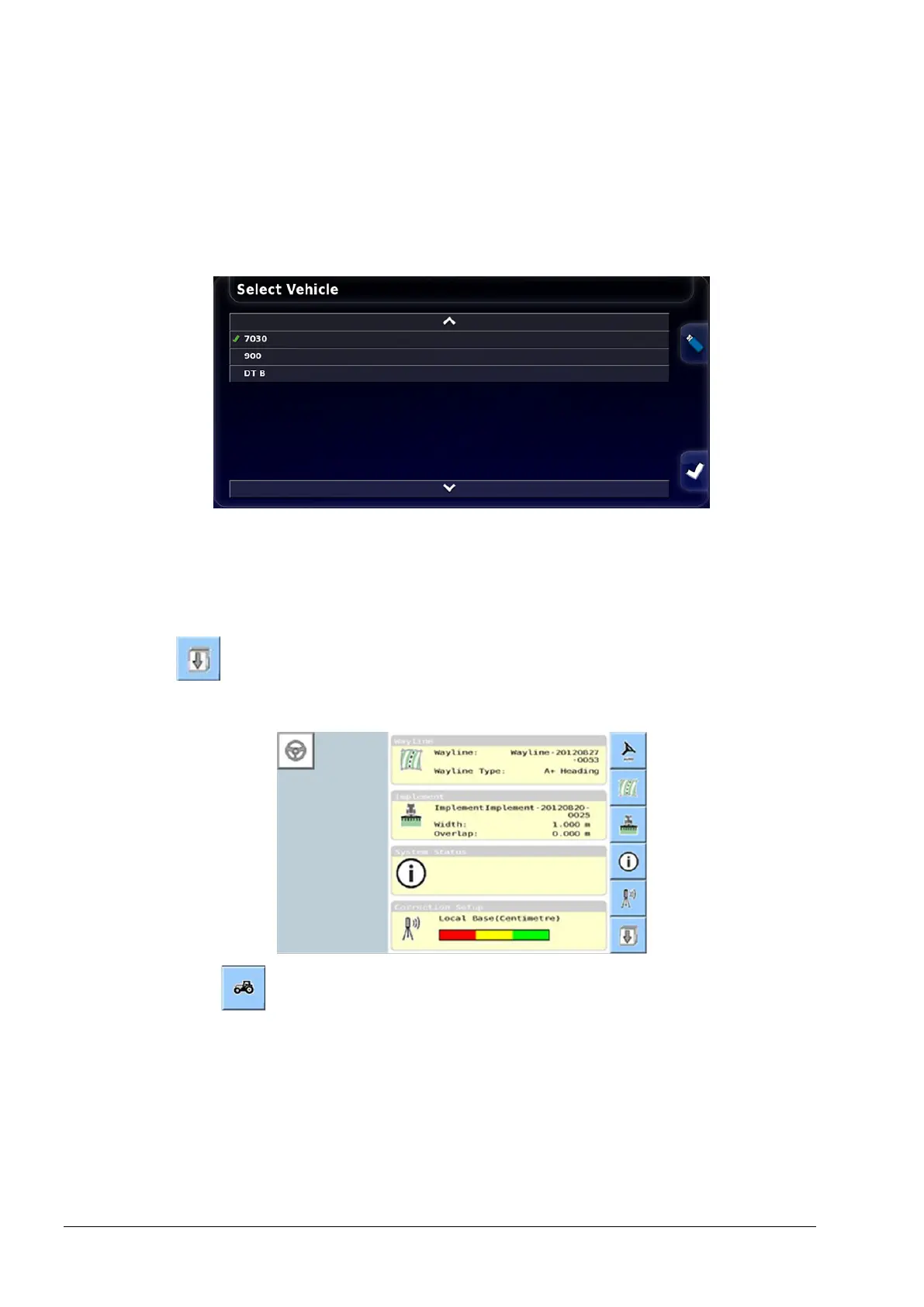
1. Select Vehicle / Select. The current vehicle profile is displayed
with a green tick next to it.
2. If the incorrect profile is displayed, select another profile from the
list or select Vehicle / New to create a new profile.
Universal terminal
Select from the advanced set-up menu. Refer to Setting UT to
advanced mode, page 6.
1. Select .



 To Next Page