3.4 Select the steering controller
16
3.4. Select the steering controller
This section describes how to ensure that the correct steering
controller has been configured.
X30 console
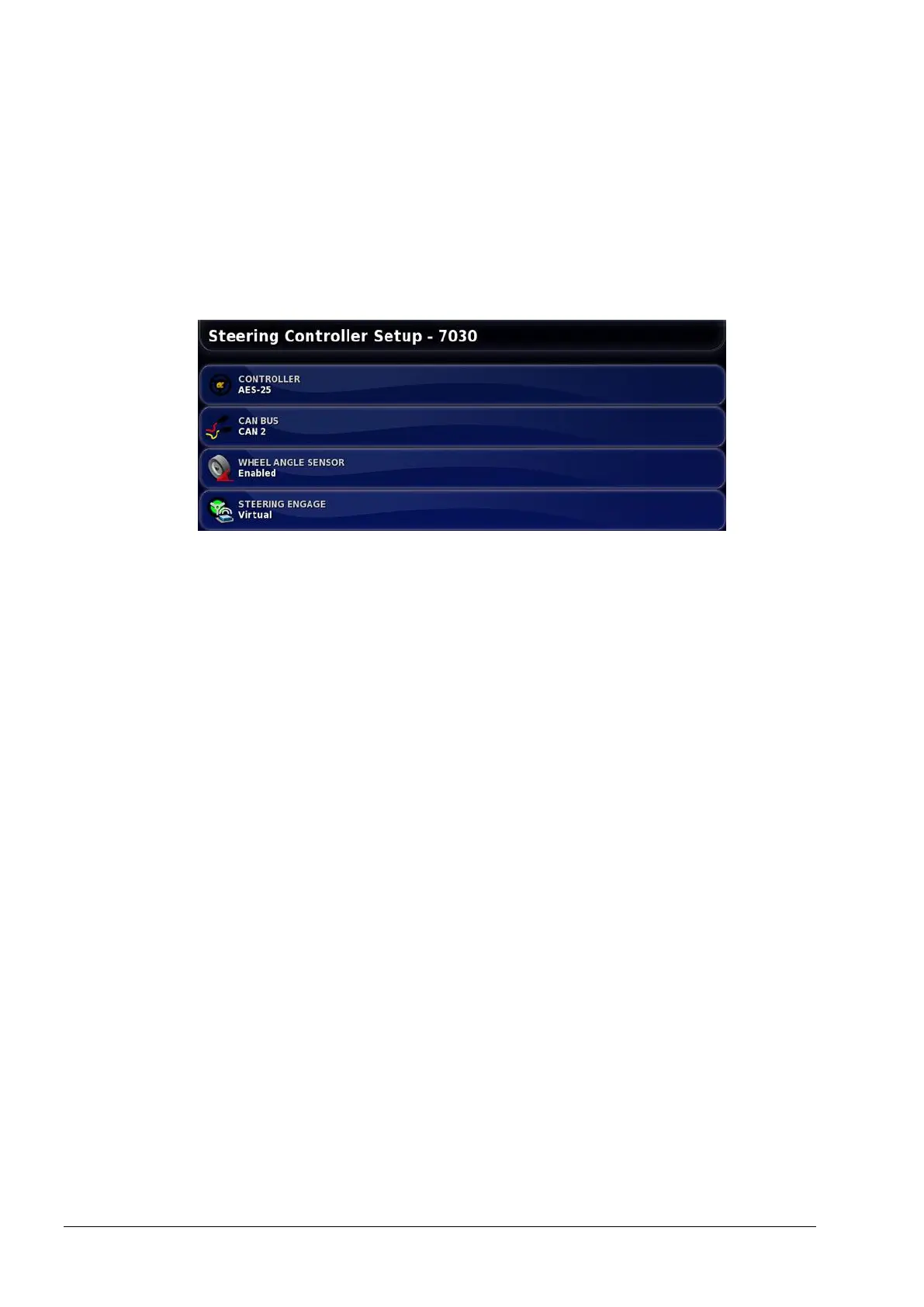
1. Select Vehicle / Steering.
2. Select CONTROLLER and select the required controller.
Note: It is important to select the specific steering controller, if it
is listed, so that auto steering settings match the vehicle profile.
(If the system is factory Fendt, then FSC must be selected. If
AES-25 is fitted then AES-25 must be selected.) If the required
controller is not listed, select Other.
Note that if the steering controller is changed later, it may be
necessary to return to the vehicle geometry to confirm the
dimensions (refresh them).
3. Select WHEEL ANGLE SENSOR and enable if a wheel angle
sensor is installed.



 To Next Page