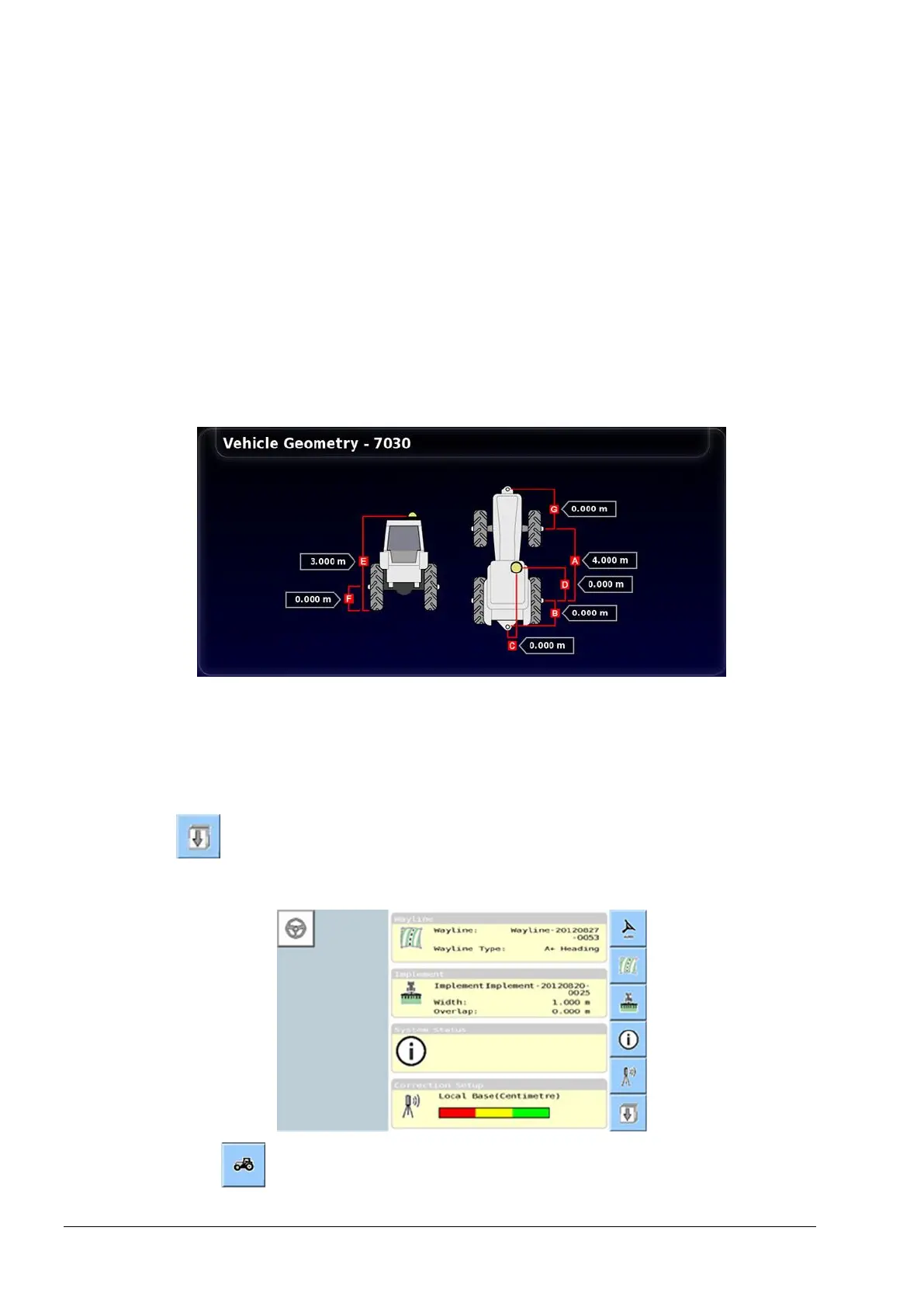
3.3 Set the vehicle geometry
14
3.3. Set the vehicle geometry
Note: Vehicle dimensions must be accurately measured. Ideally
measurements should be within one cm / 0.5 inch. The tolerance must
be within +/- 5 cm or 2 inches.
Note: Ensure the correct dimensions identified by the red lines are
measured and entered. Incorrect data will affect system performance.
X30 console
1. Select Vehicle / Geometry.
2. Select a vehicle dimension.
3. Add or adjust dimensions where required and confirm.
Universal terminal
Select from the advanced set-up menu. Refer to Setting UT to
advanced mode, page 6.
1. Select .



 To Next Page