Chapter 2 – Console Navigation
5
2.3. Enabling dealer mode
The tuning process uses advanced tuning settings. These settings may
only be accessed when the X14/X30 console is set to dealer mode.
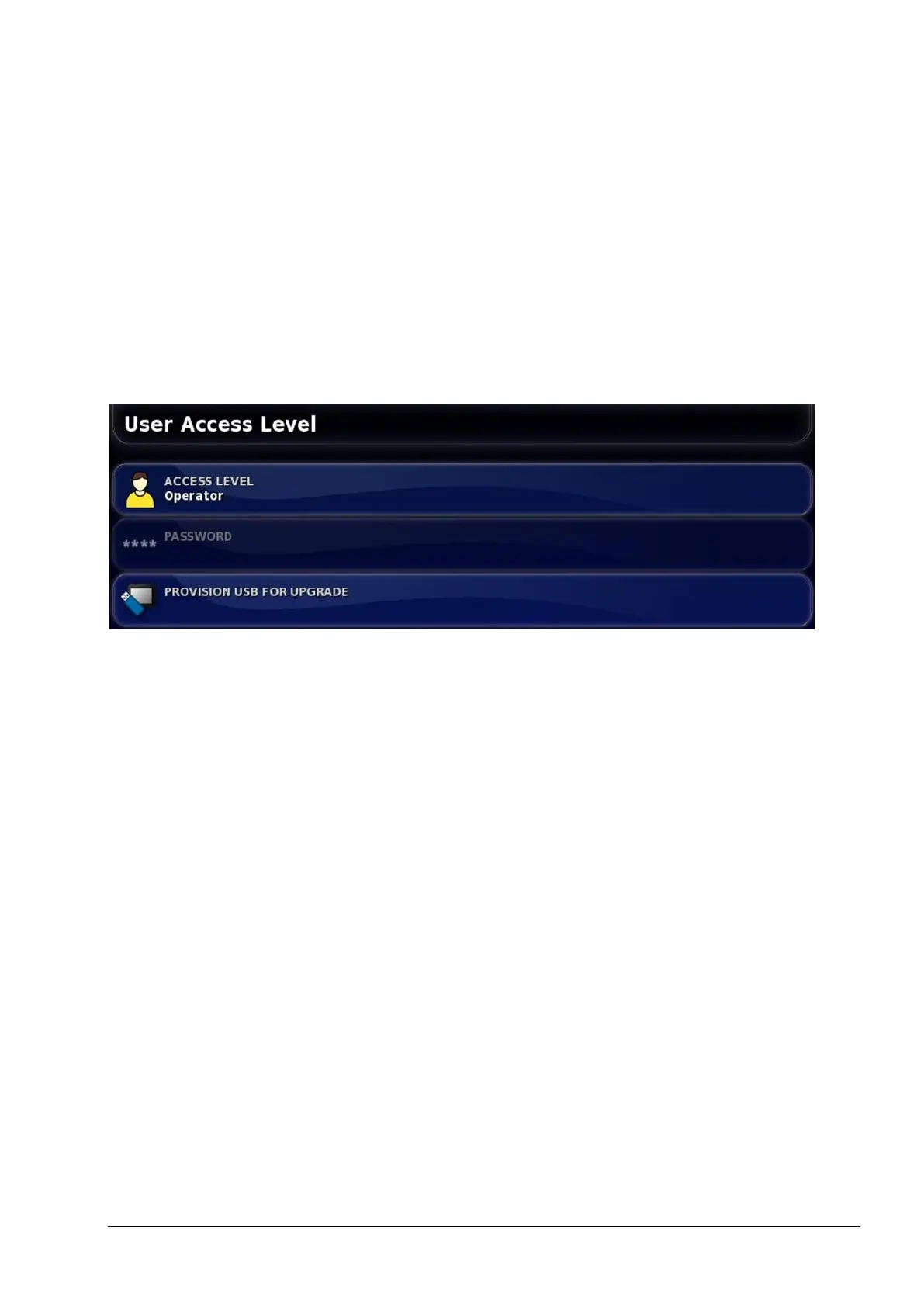
To set the console to dealer mode:
1. Select User / Access Level.
2. Select ACCESS LEVEL and select Dealer.
3. Select PASSWORD and enter the dealer password, then confirm.
Note: When the console is set to dealer mode, the number of tuning
options displayed on the steering options menu will change. The
number of options displayed will vary, depending on the type of
steering controller and its configuration.



 To Next Page