Project Files
P/N 7010-0921
1-11
Setup and
Usage
Project Files
You must create or import a project file in 3DMC. The
project file contains one control point file and multiple
layer and surface files.
Importing Project Files
You can import complete project files from 3D-Office
(recommended) or import elements of a project.
individually (See “Control Point Files”, “Layers” and
“Surface and Alignment Files”).
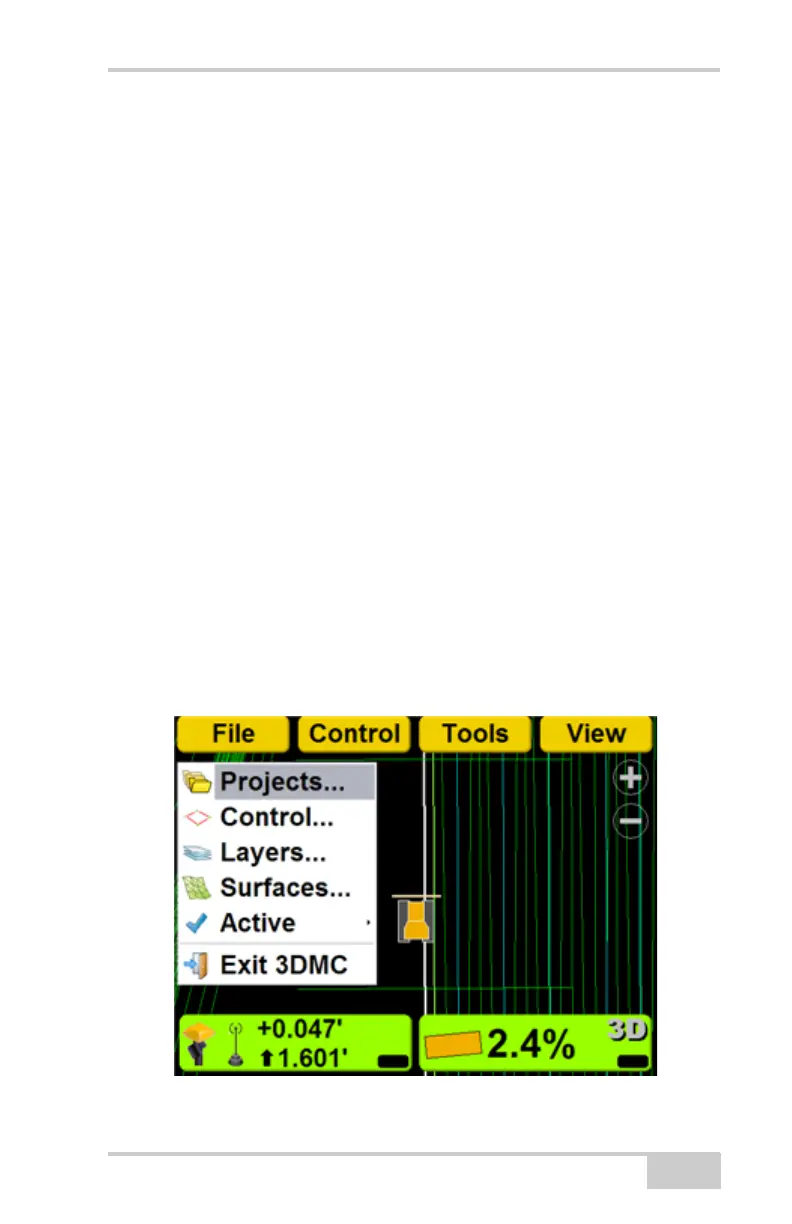
1. Press Topcon LogoFileProjects.



 To Next Page