Setup and Usage
3D-MC² Quick Reference Guide
1-48
Using Supervisor Mode
Using Supervisor mode in 3DMC, a supervisor can
disable menus, buttons and screen items from the user.
A password is needed to access Supervisor mode.
Passwords are case sensitive.
The default password is: topcon
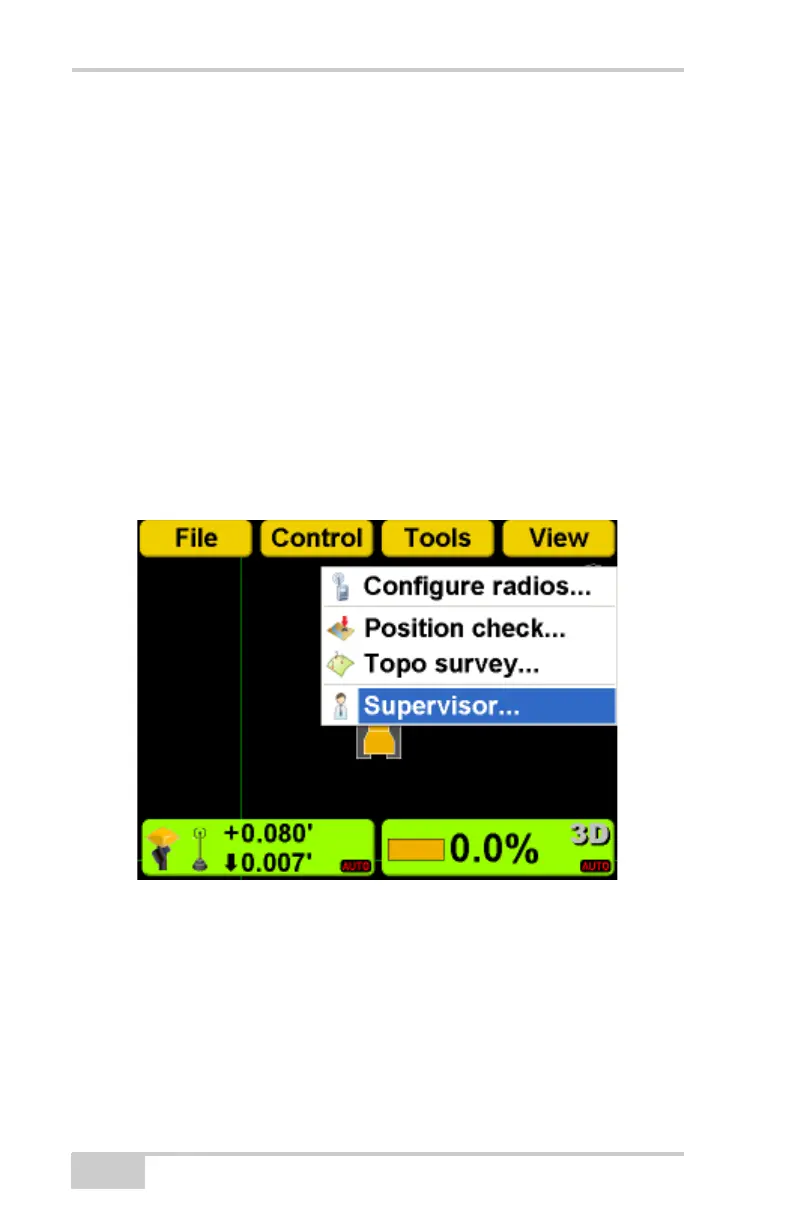
1. Press Topcon LogoToolsSupervisor.



 To Next Page