3D-MC² Introduction
P/N 7010-0921
1-3
3D-MC² Introduction
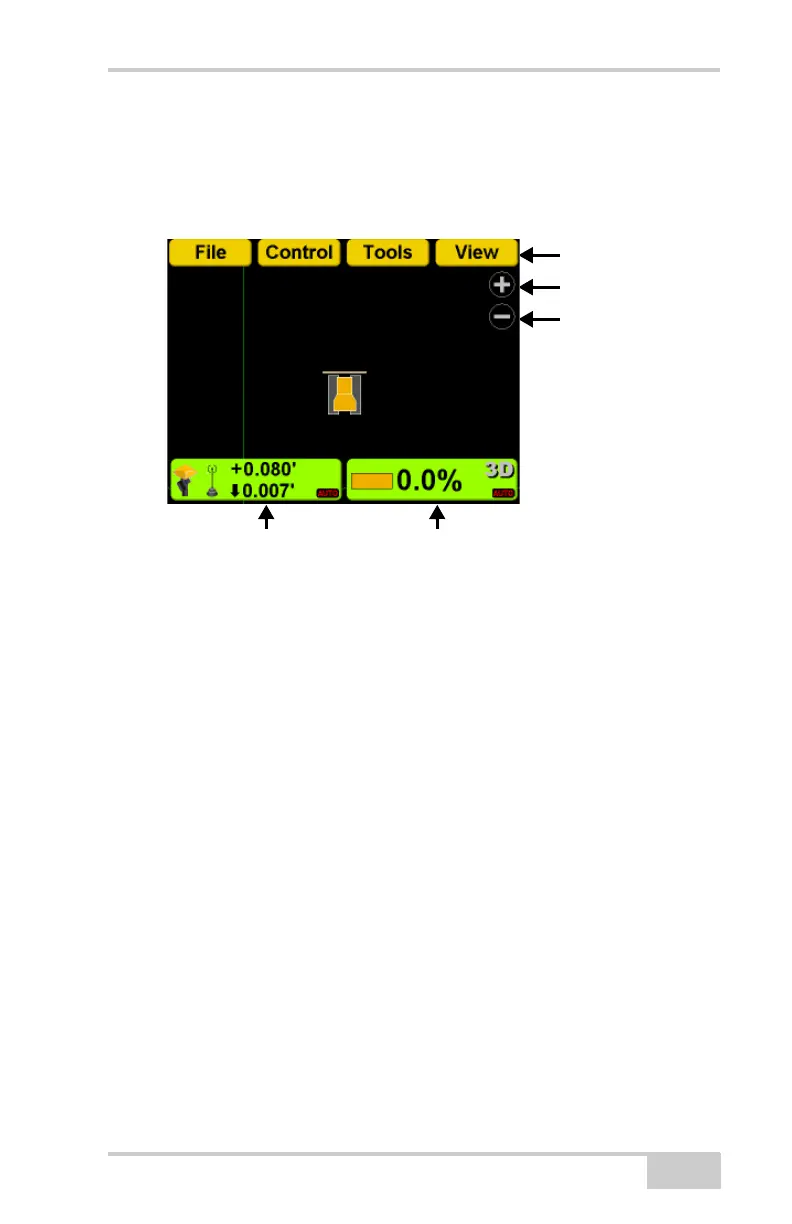
3DMC Main Screen
Topcon Logo Key
The Topcon Logo key at the top right corner of the
Main Screen displays a pop-up bar of four menus:
File, Control, Tools, and View.
To access the Topcon Logo menus, press the Topcon
Logo in the far right corner.
Slope Control Key
Zoom In
Topcon Logo Menu
Elevation Control Key
Zoom Out



 To Next Page