Using Supervisor Mode
P/N 7010-0921
1-51
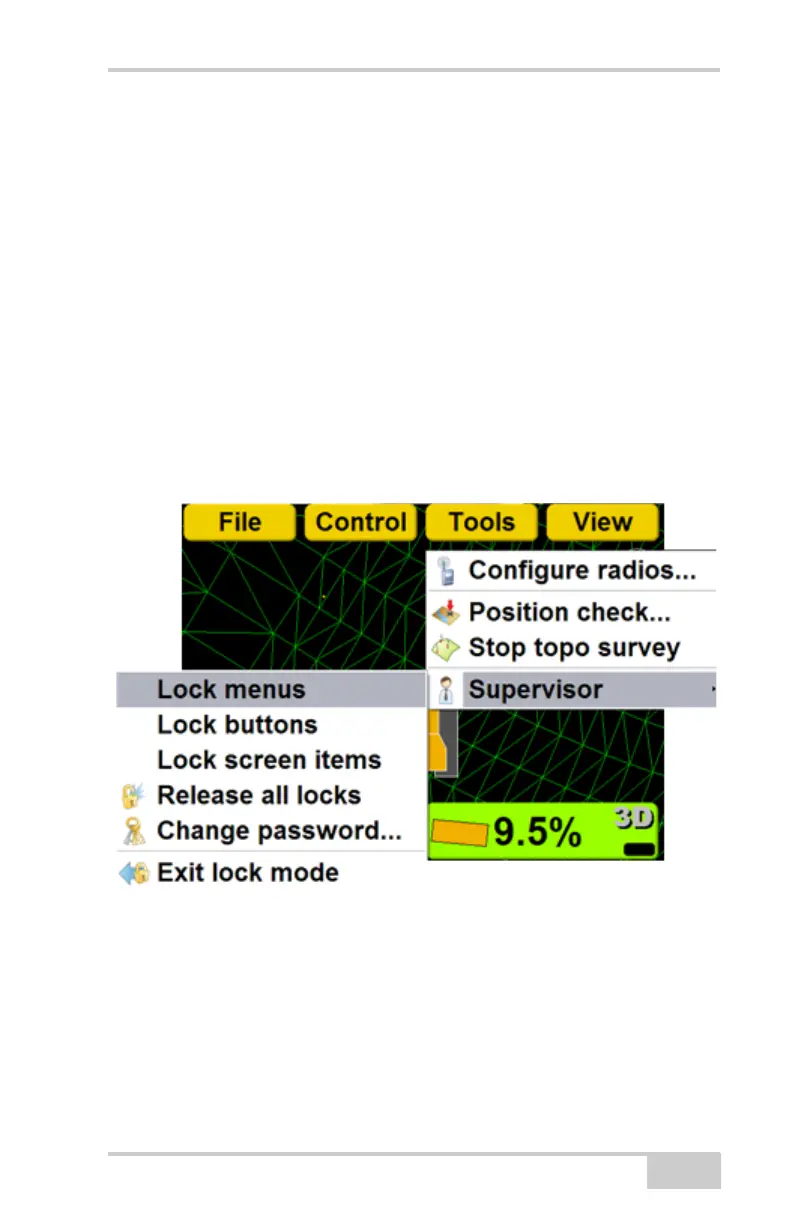
Locking Menus, Buttons and Screen
Items
• Menu: a selection from the File, Control,
Tools, or View menu.
• Button: a button on various 3DMC screens, such
as the Edit button on the Machine Files screen.
• Screen item: an alphanumeric entry field or drop
down menu.
1. Press Topcon LogoToolsSupervisorLock
menus/buttons/screen items. Then press Ok.
2. Press menus, buttons or screen items to disable.
The selections display as red when locked. Press



 To Next Page