Surface and Alignment Files
P/N 7010-0921
1-27
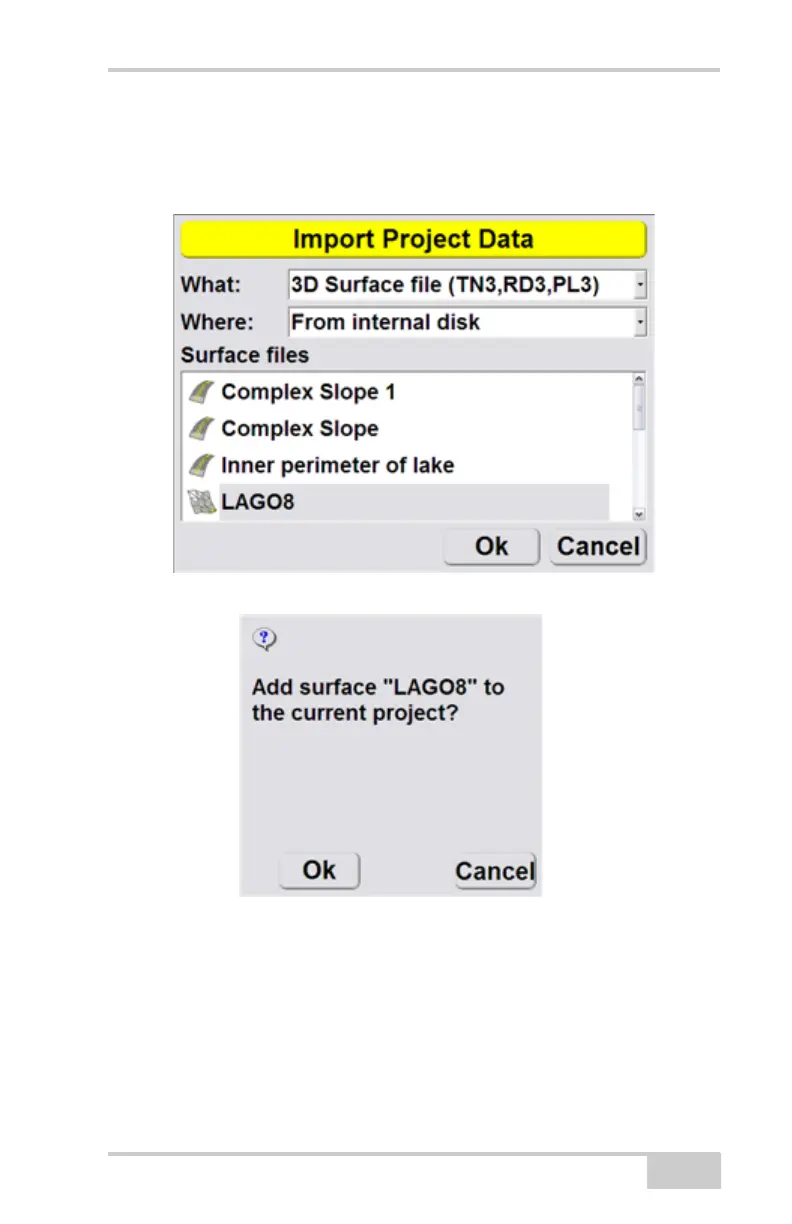
3. Select the file type (What) and the location of the
file (Where) to import from the drop down menu.
Then select the file to import, and press Ok.
4. Press Ok at the prompt.
5. Press Ok to return to the Main Screen.
You must make the imported file active to use the



 To Next Page