Creating a Machine Configuration File
P/N 7010-0921
1-35
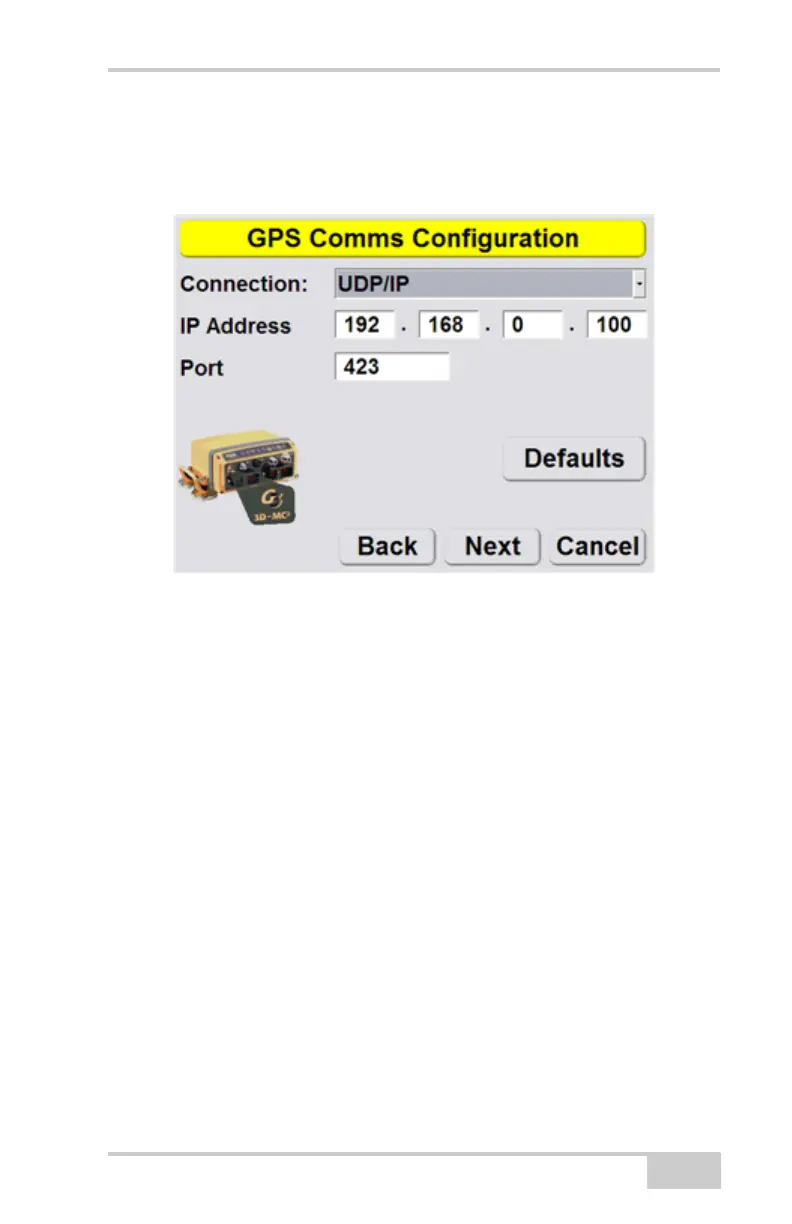
3D-MC² symbol, as shown on the GPS Comms
Configuration screen, to be compatable with the
MC² Sensor. Press Next.
9. Set radio information and press Next. Refer to the
serial number/radio label on the MC-R3 controller
to determine the correct radio type. The radio type
selection must match the radio contained in the
MC-R3.



 To Next Page