Setup and Usage
3D-MC² Quick Reference Guide
1-86
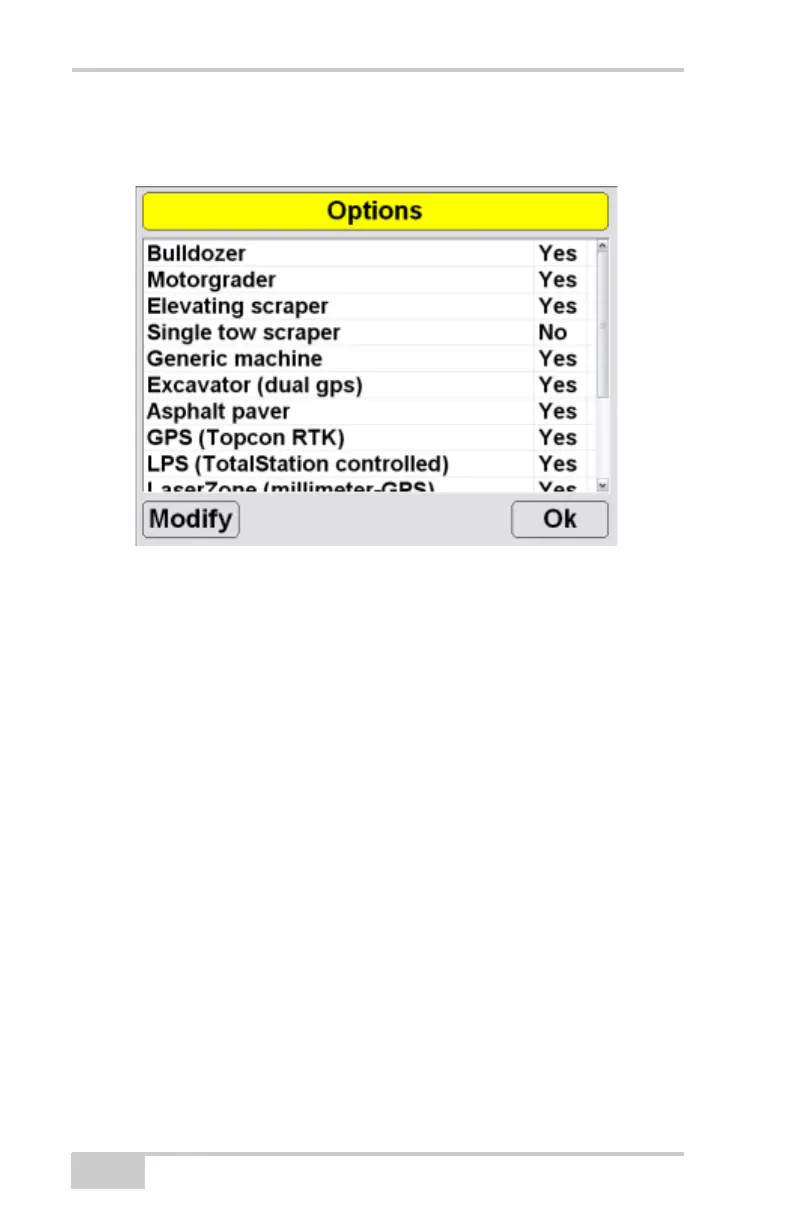
2. To modify 3DMC options, press Modify on the
Options screen.
3. Record the Device ID number on the ControlBox
screen to give to your Topcon representative.
Contact your Topcon representative to obtain a new
authorization code file.
4. When you have received the new authorization
code file, press Copy from File to copy the codes
from the file on the internal disk or an external
device. The data fields automatically update with
the new codes.



 To Next Page