5
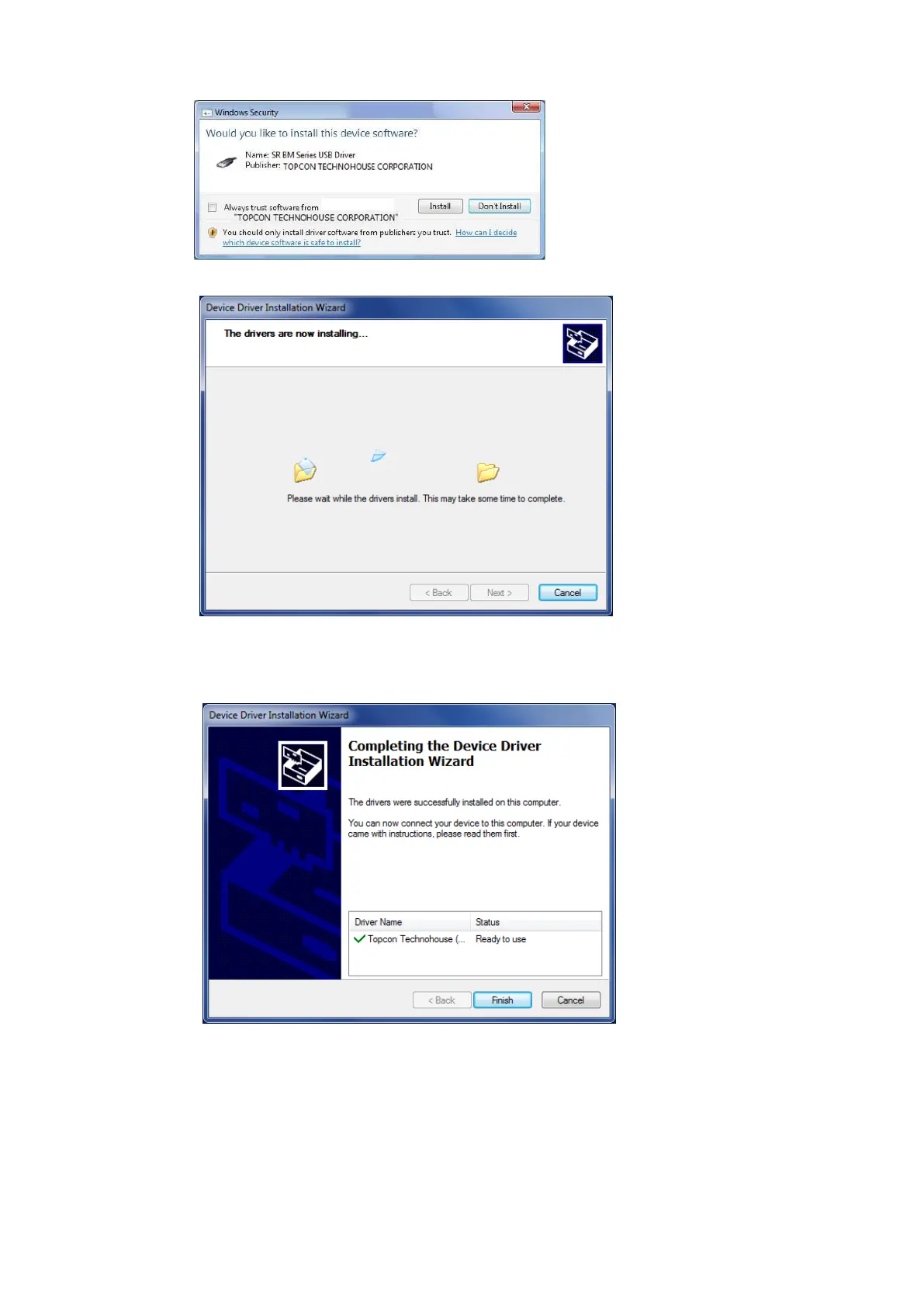
In the case of Windows7, 8, the Windows Security dialog appears. Click the [Install].
The following dialog will be displayed, start installing the USB Driver.
6
After installation of USB Driver, The following dialog will be displayed.
Click the [Finish] button.



 To Next Page