5. USB Driver
The procedure for installing the USB Driver in the PC is as follows.
1
Place the CS-900A CD-ROM in the CD-ROM drive.
2
Select and double-click the “dpinst.exe” file in [\USB_Driver\{os name}\ {x86} or {x64}]
folder in the CD-ROM via Explorer.
Windows® 7 Ultimate(32bit/64bit)
Windows® 7 Professional (32bit/64bit)
Windows® 8.1 Pro (32bit/64bit)
Windows® 10 Pro (32bit/64bit)
For example, in the case of Windows7(32bit), it becomes {USB_DRIVER\Windows7\x86}.
For example, in the case of Windows10(64bit), it becomes {USB_DRIVER\Windows10\x64}.
3
The User Account Control Dialog appears. Click [OK] button.
4
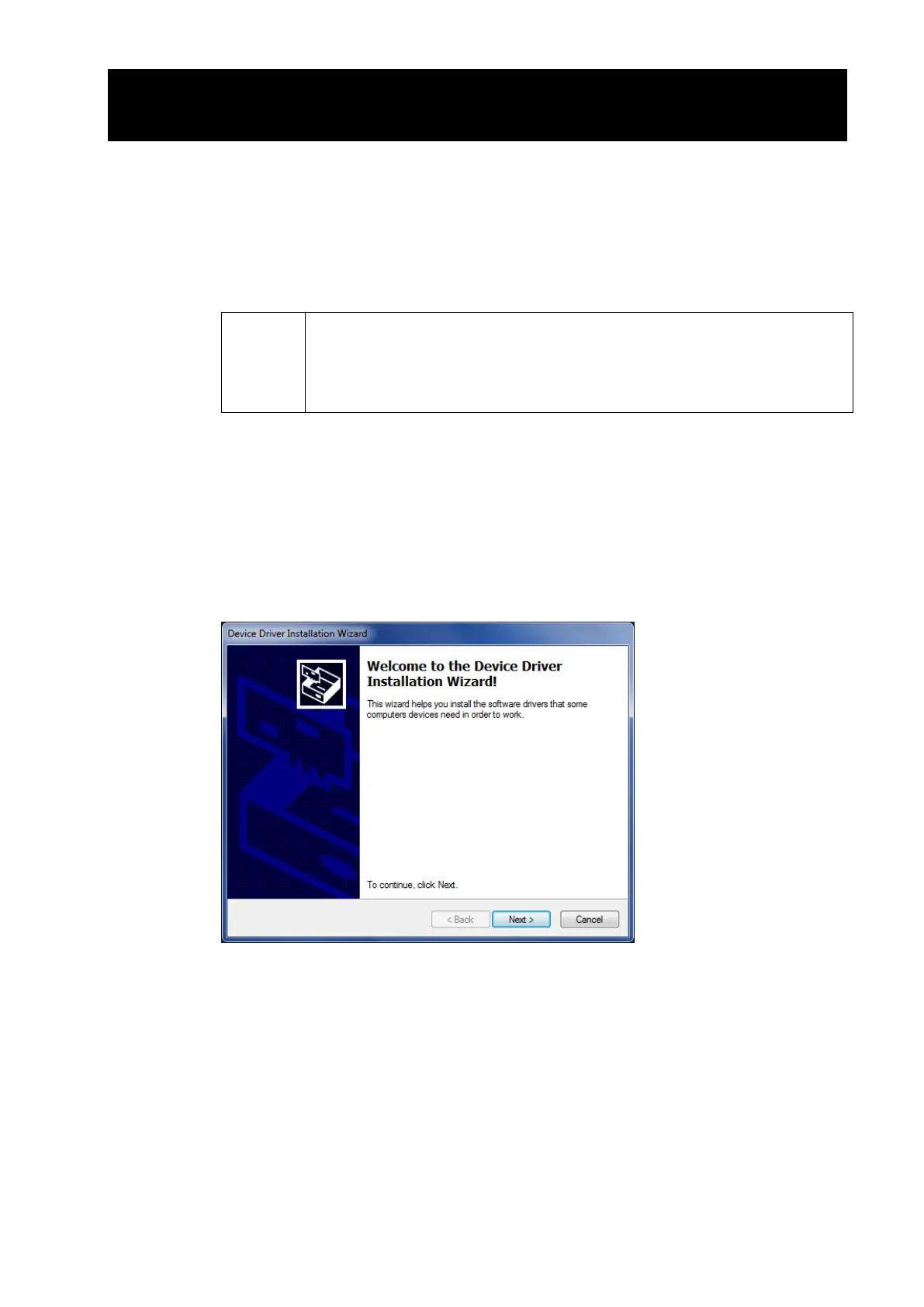
The Device Driver Installation Wizard appears. Click [Next] button.



 To Next Page