7
Chapter 3 – CropSpec Setup
This chapter explains how to enable and set up the CropSpec feature
on the console.
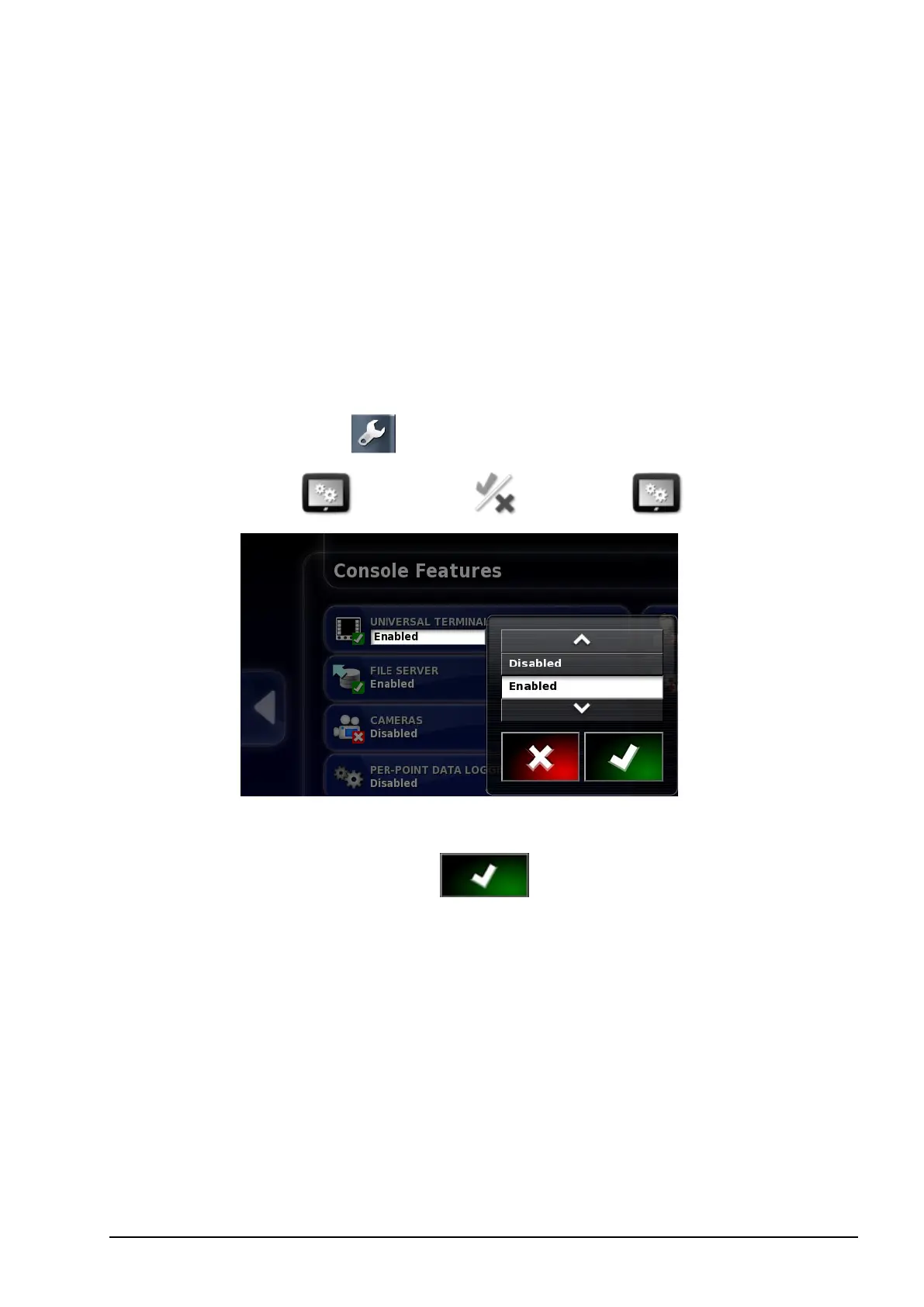
3.1. Enabling Universal Terminal
To use the CropSpec feature, enable the ISOBUS Universal Terminal
(UT) on the console. Universal Terminal allows interaction with
ISOBUS compliant ECUs.
1.
Select Setup screen .
2.
Select System / Features / Console .
3. Select UNIVERSAL TERMINAL.
4.
Select Enabled and confirm .



 To Next Page