Chapter 4 – CropSpec Operation
21
4.1.1. Exporting CropSpec job reports
CropSpec can be used to collect crop biomass data by exporting jobs
with crop health reports and maps. CropSpec job records can be
exported in PDF and CSV format to a USB drive.
1. Insert the USB into the console.
2.
Select Inventory Manager .
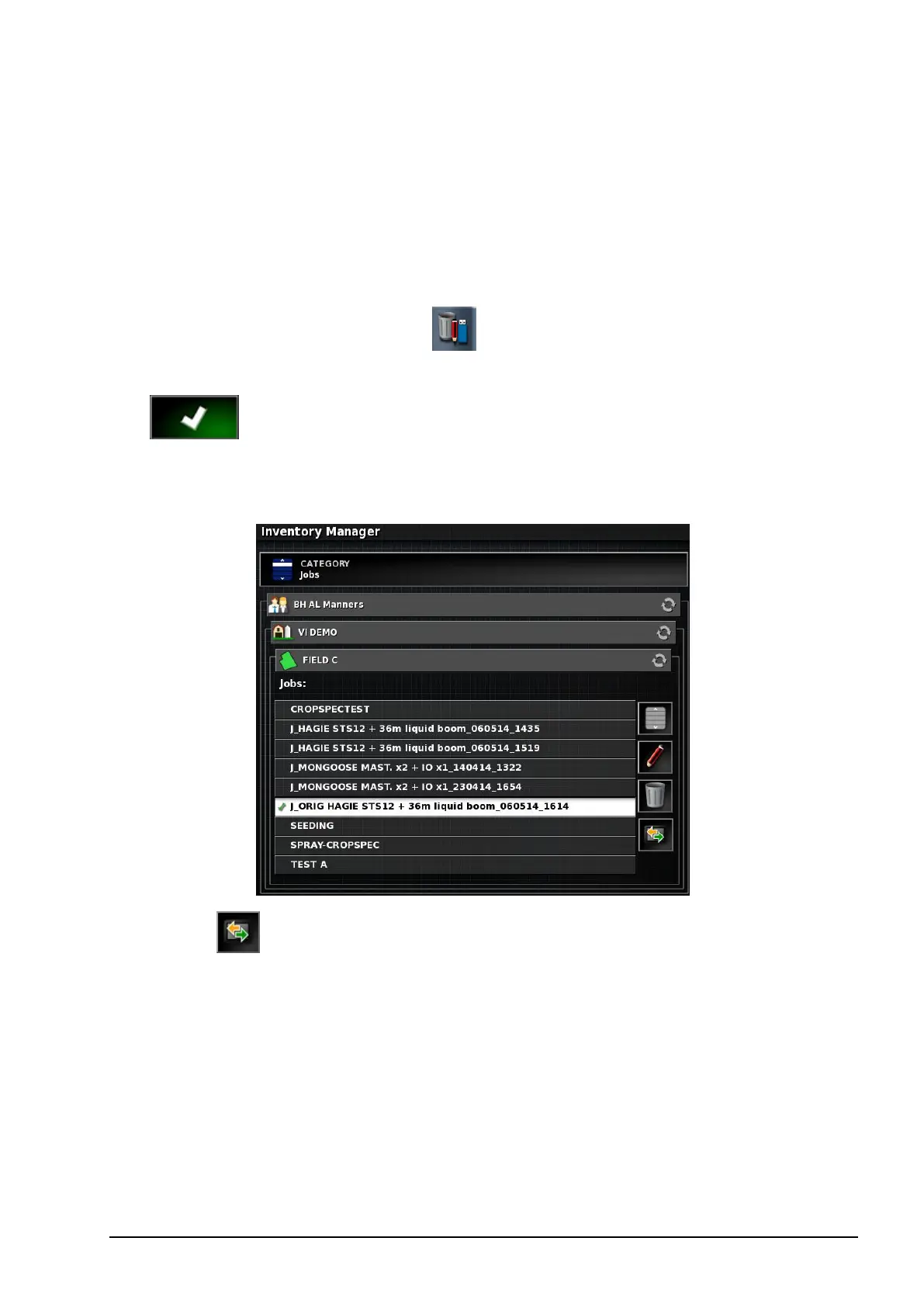
3. From the CATEGORY dropdown, select Jobs and confirm
.
4. Select the client / farm / field and then job related to CropSpec
from the list.
5.
Select to export selected items to the USB.
6. Select Export Job Report.



 To Next Page