4.1. Recording CropSpec readings
20
4.
Launch the CropSpec Universal Terminal from the left
navigation bar.
5.
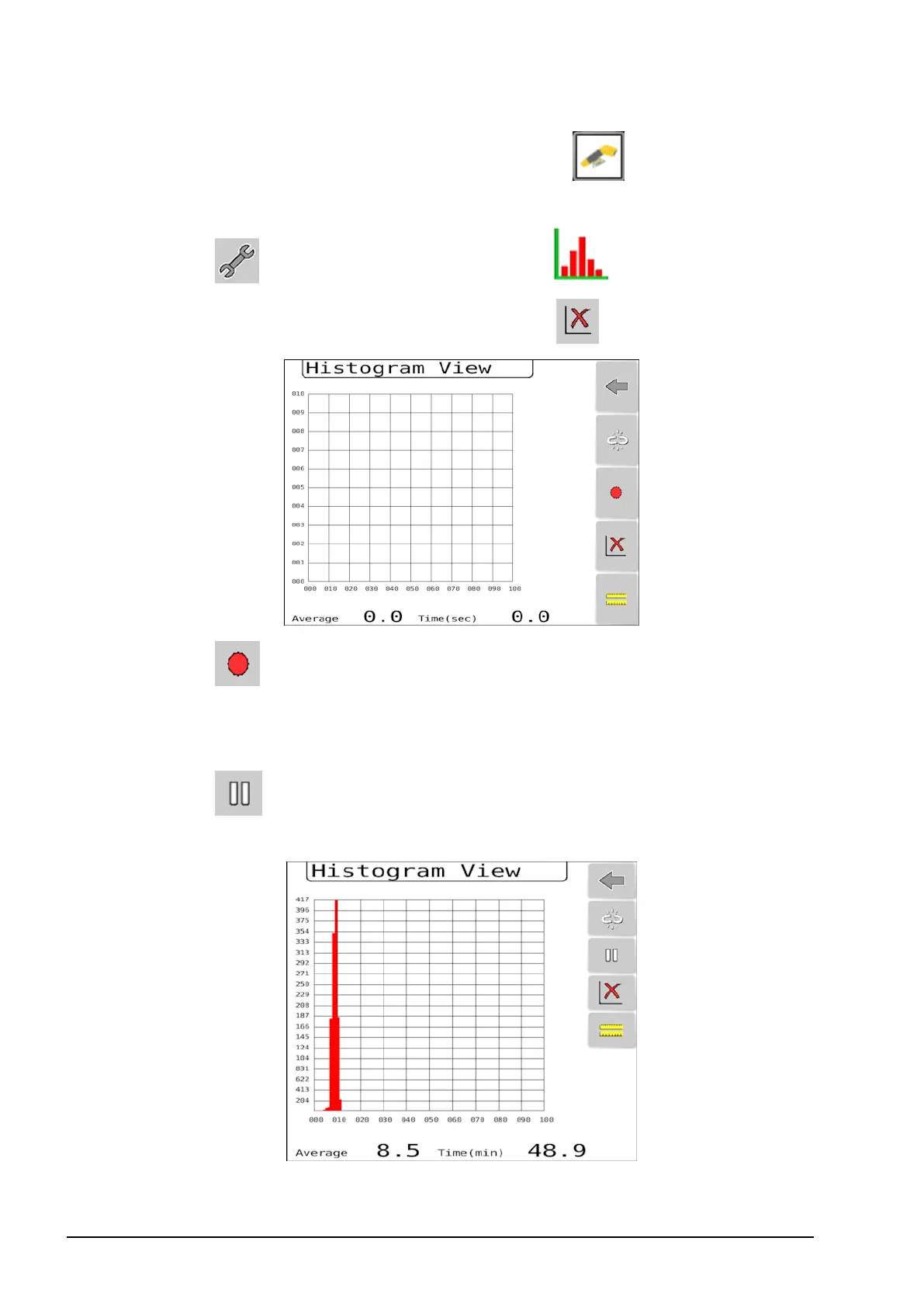
Select and select Histogram View .
6.
Clear the current histogram by selecting .
7.
Select to start recording biomass values. (If recording is
linked to the master switch, operate the master switch instead.)
8. Drive the tractor at normal operating speed through the field.
9.
Select to end the recording. (If recording is linked to the
master switch, operate the master switch instead.)



 To Next Page