Chapter 3 – CropSpec Setup
9
3.3. Setting up the sensors
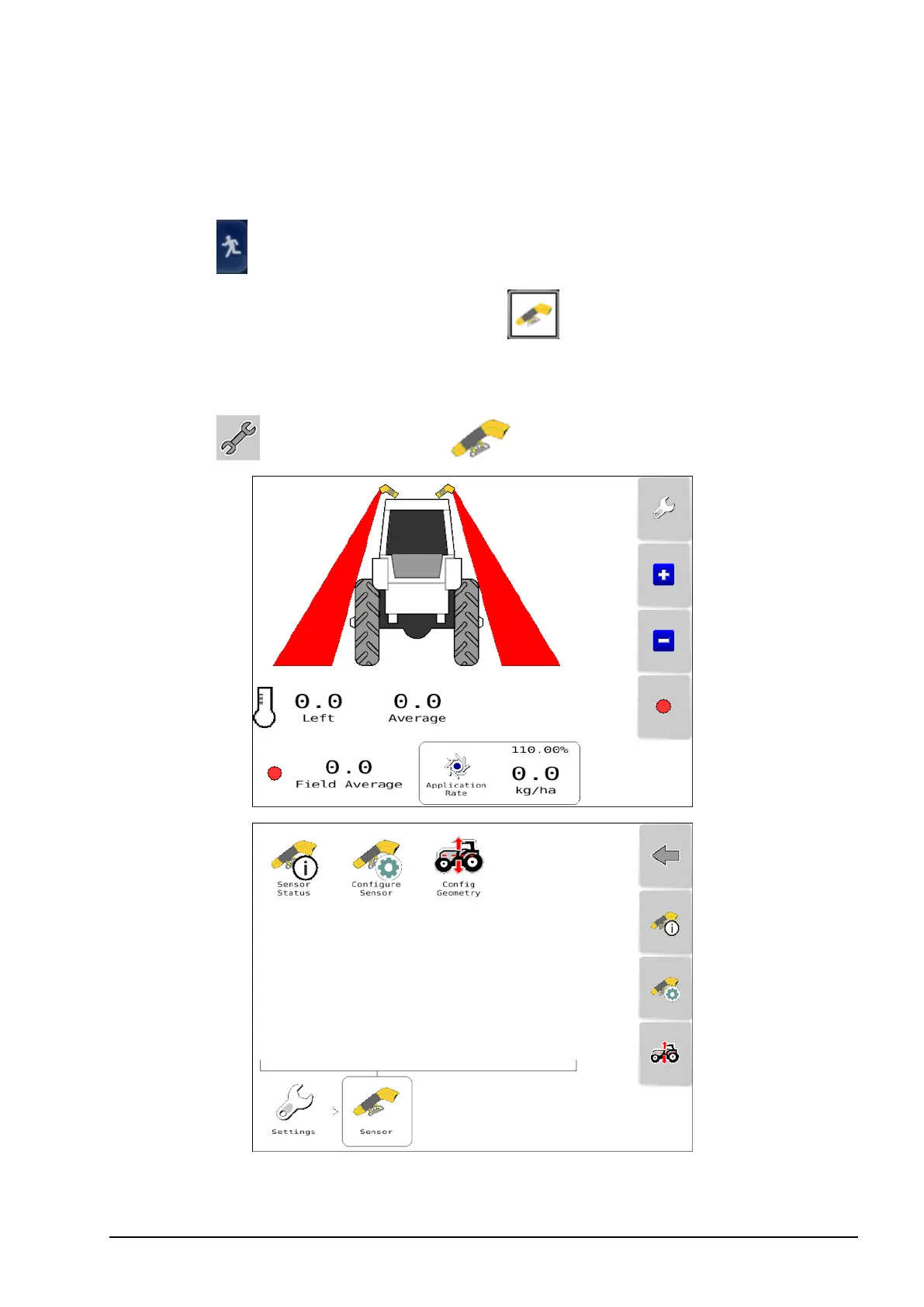
To set up the sensors:
1.
Select to switch to the Operation screen.
2.
From the left navigation bar, select to open the UT mini-view.
Swipe right across the mini-view to maximize the Universal
Terminal.
3.
Select and select Sensor .



 To Next Page