Chapter 4 – CropSpec Operation
39
4.5. Managing prescriptions
4.5.1. Selecting a prescription
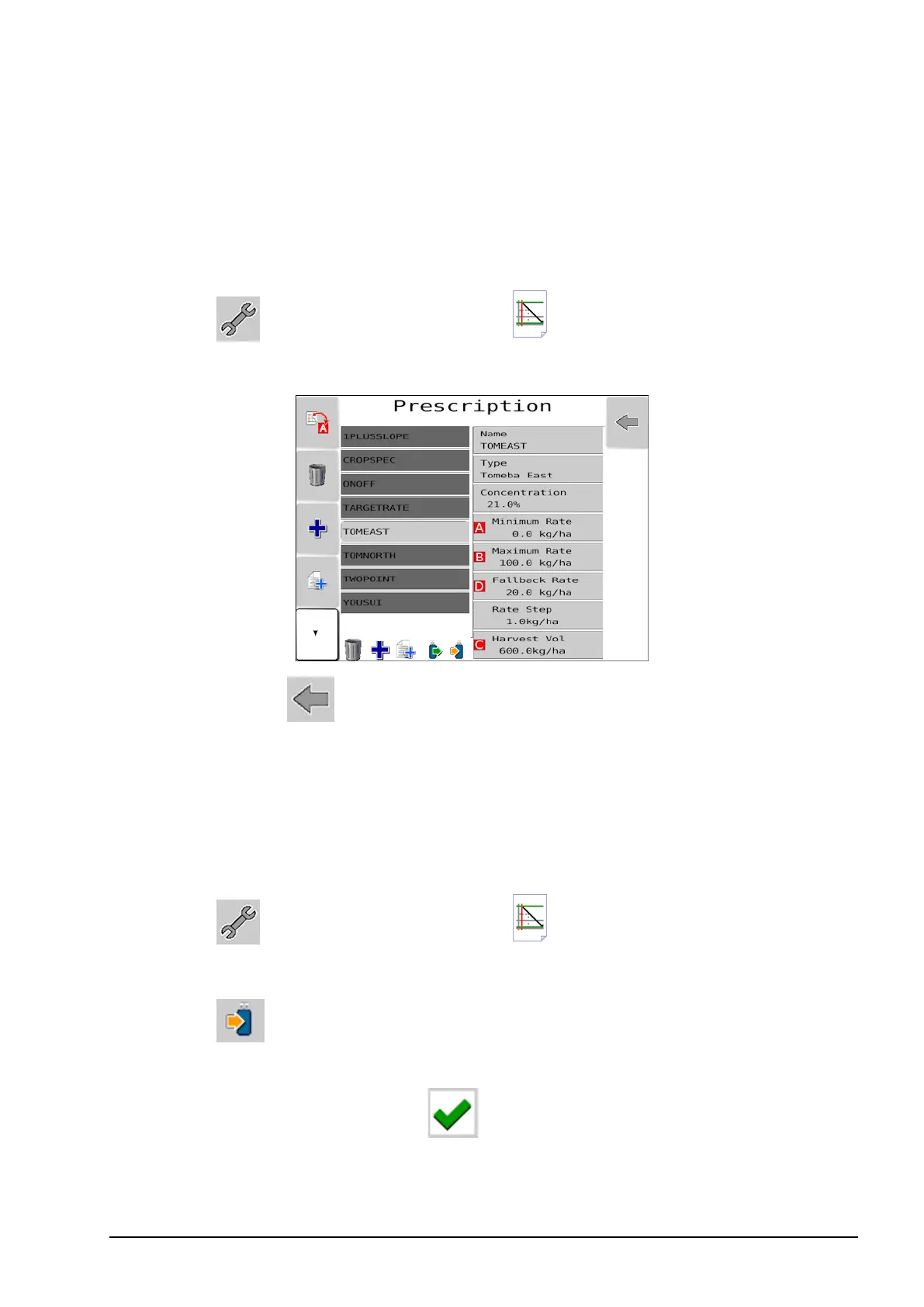
Once prescriptions have been created and saved, they can be selected
from a list.
1.
Select and select Prescription .
2. Highlight the required prescription from the list.
3.
Select escape repeatedly until you reach the CropSpec home
screen.
4.5.2. Transferring prescriptions to and from USB
Upload a prescription to USB
1. Ensure a USB is plugged into the console.
2.
Select and select Prescription .
3. Highlight the required prescription.
4.
Select .
5. Select fs_usb, navigate to location on the USB that the prescription
will be copied and confirm .
The selected prescription is copied to the USB.



 To Next Page