Chapter 3 – CropSpec Setup
17
Note: When using Target Rate mode (see page 31), the histogram must
be used, as the value is required to be used as the average CropSpec
value.
3.5.1. Starting and stopping data collection
The button indicates that data collection is controlled by starting
, stopping and resetting the data collection manually.
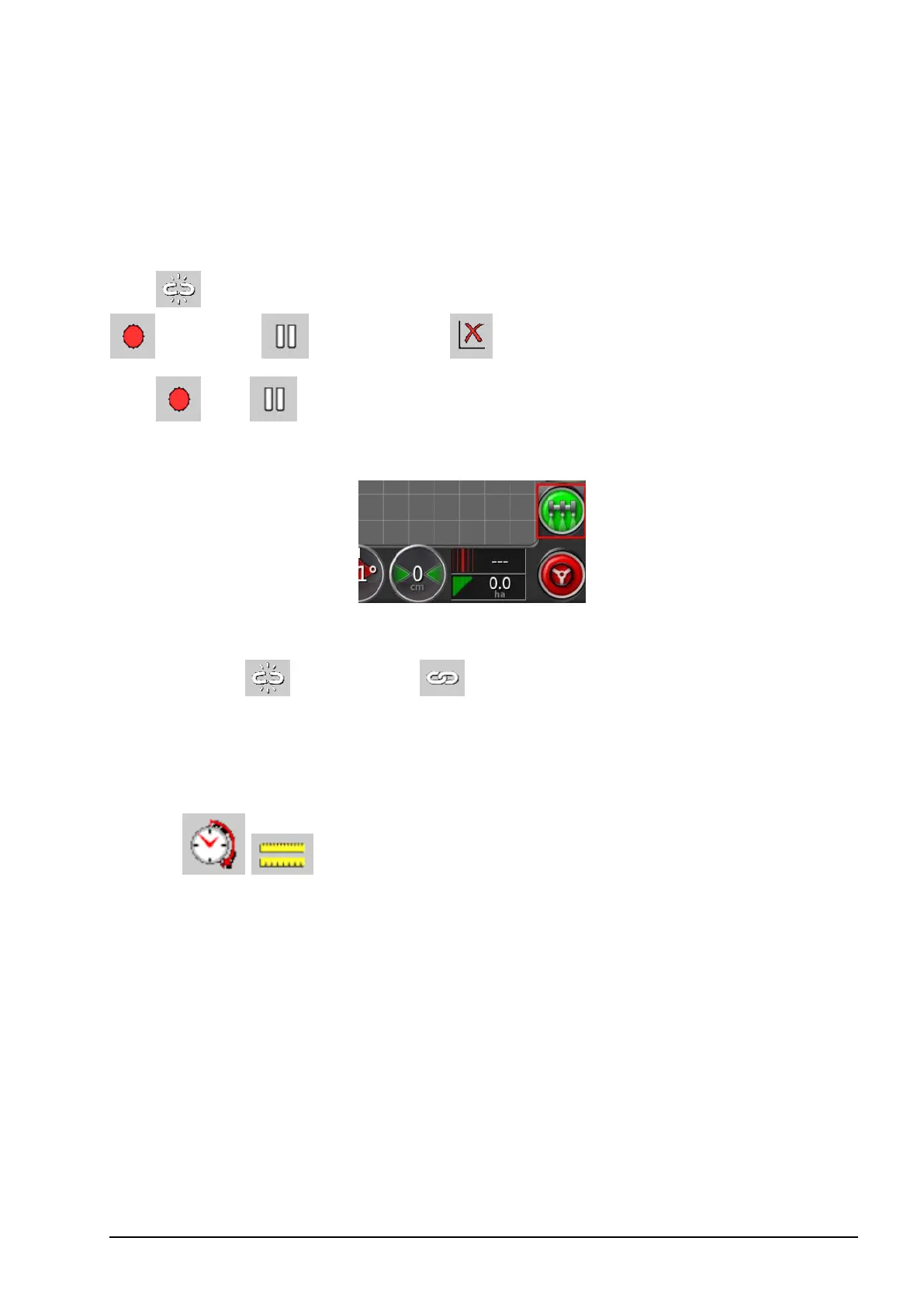
The and buttons are also available on the home screen.
Alternatively, sampling may be linked to the console master switch:
To link data collection to the console master switch:
1.
Press the button. The button indicates that the console
master switch is linked to CropSpec data collection.
Field averaging
The field average can be based on time or distance travelled. Press the
button to toggle between the two.
Note: To base the field average on distance, the GPS NMEA2000
POSITION functionality must be enabled via the setup screen
Implement / Speed & Position.



 To Next Page