3.3. Setting up the sensors
10
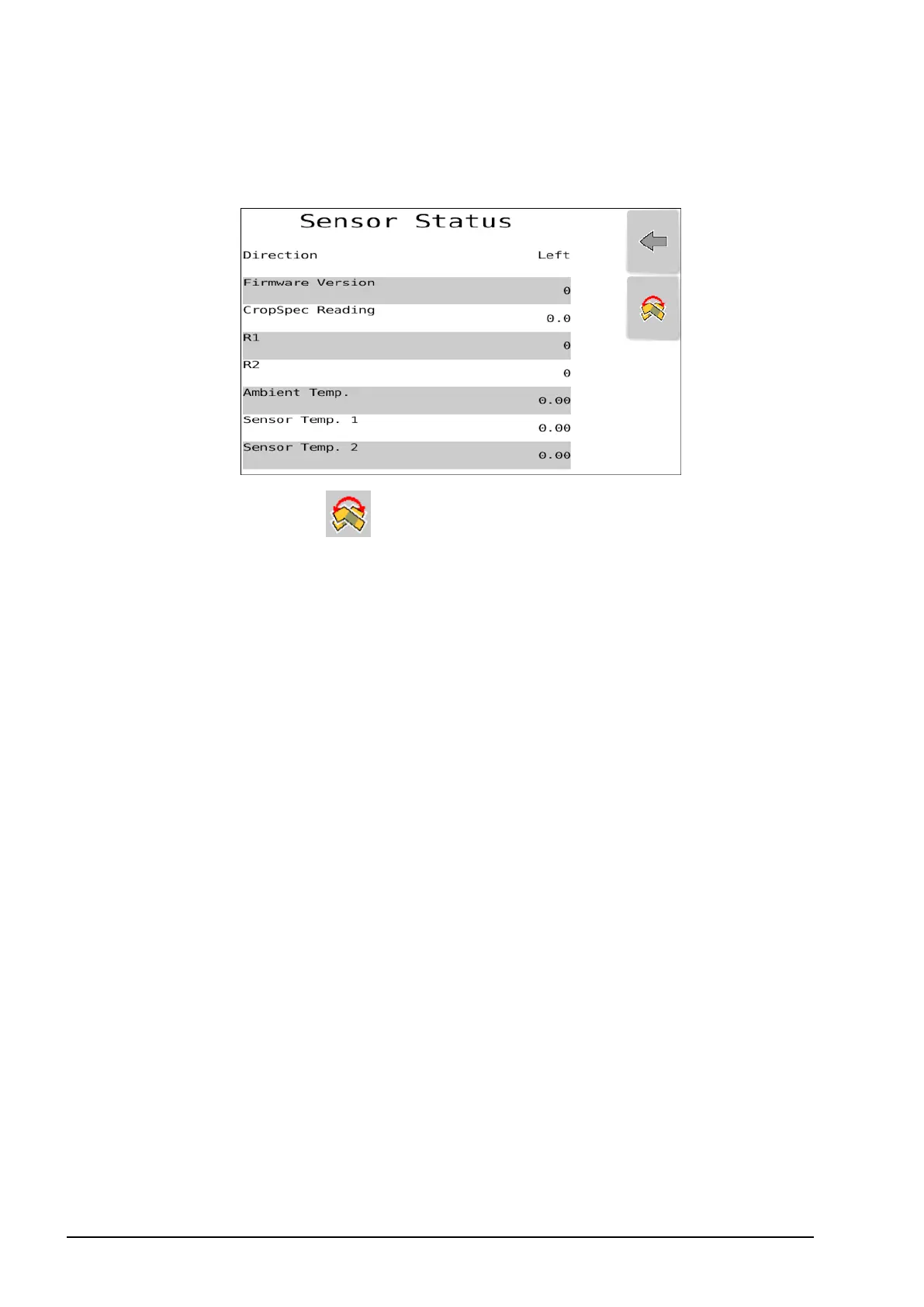
Sensor status
1. Select Sensor Status.
l
Direction:Select to switch the sensor between left hand side
and right hand side. The displayed Direction will change when
you switch the sensor.
l Firmware Version:Displays the current firmware version.
l CropSpec Reading:Figure that represents the crop health reading
taken by the sensor/s.
l R1 / R2: These are red and near infra-red readings that measure
the amount of photosynthesis. The valid range for R1 and R2
readings is 0 - 32767.
l Ambient Temperature: Temperature inside the sensor.
l Sensor Temp 1 / Temp 2: Each sensor contains two photo
sensors (one sensor for each of the two wavelengths that
CropSpec uses). It takes approximately 5-10 minutes for the
CropSpec sensors to warm up to their operating temperature of
30° Celsius.



 To Next Page