4.1. Recording CropSpec readings
22
The Job Report Options screen displays.
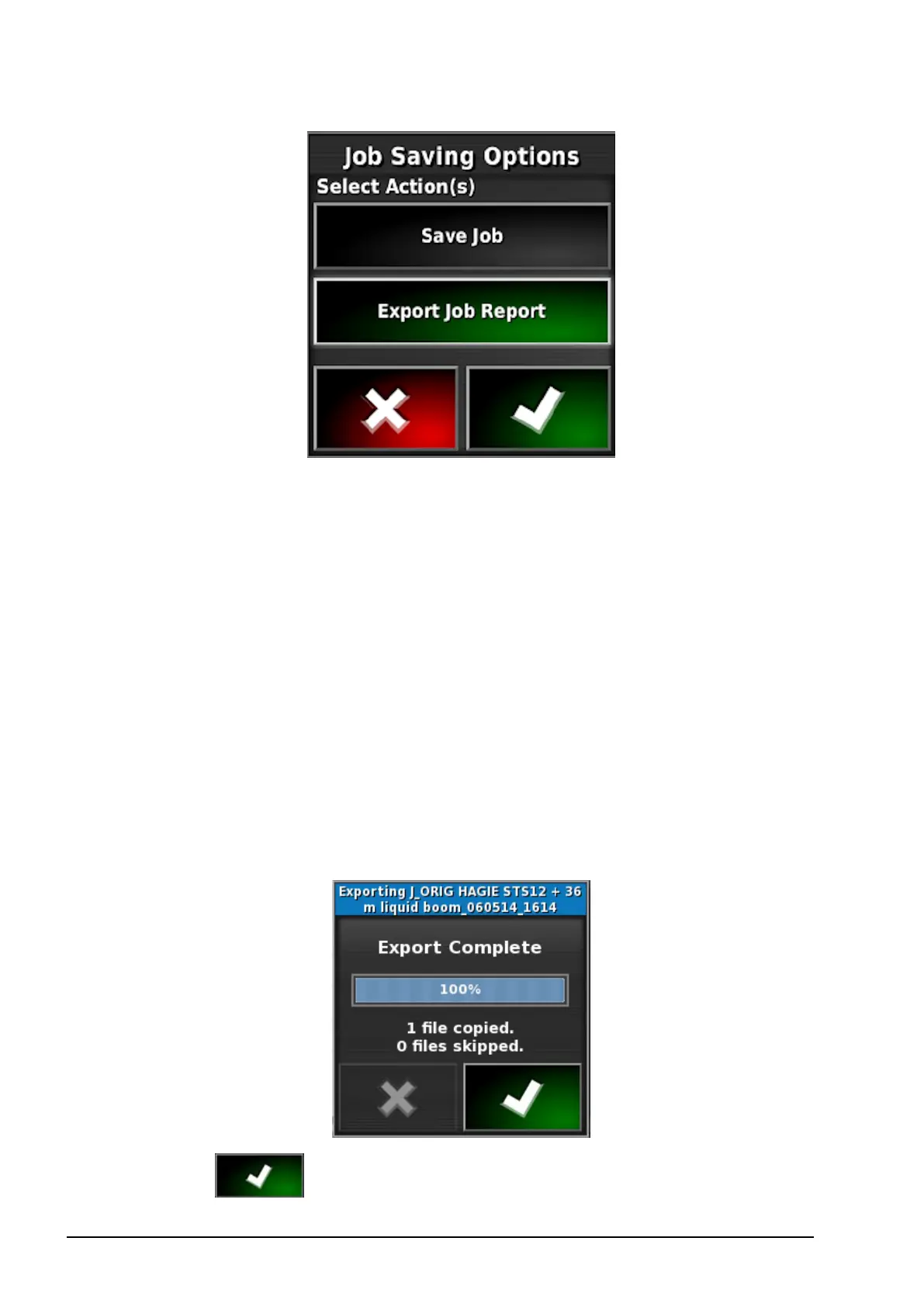
7. Select the required option/s:
l Auto adjust ranges: If data exists that uses a color legend, the
colors used in the report map shading are altered so that the
maximum variation in colors is used to illustrate the yield rates.
l Create shape files: Shape file data is exported to
D:/Client/Farm/Field/ CoverageShapefiles and
D:/Client/Farm/Field/ BoundaryShapefiles
l Task data: Exporting a job report also exports XML based task
data into a folder named TASKDATA.
On successful export, the following message will appear on
screen.
8.
Select to confirm.


 To Next Page