Chapter 4 – CropSpec Operation
23
The PDF report of the exported job is located in:
USB Root directory:/Client/Farm/Field/Reports
The .csv file is located in:
USB Root directory:/Client/Farm/Field/Jobs
Note: Before removing the USB, always disconnect first by selecting
the USB eject icon on the base of the console. (The icon is on the
swipe up menu on the X35 and X25.) A message will display that it is
safe to remove the USB. If this is not done, the report may be missing
or corrupt.
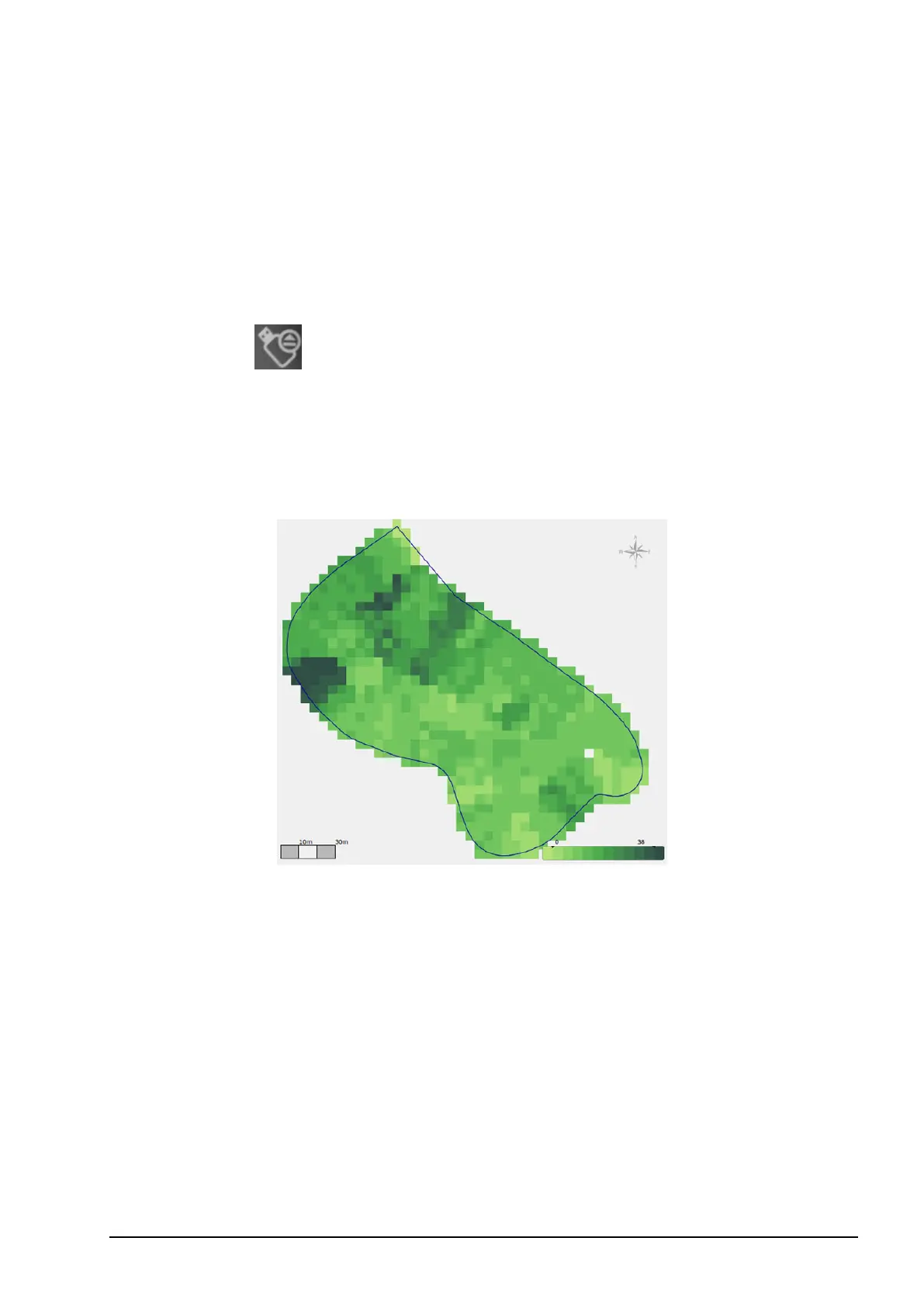
Note: The CropSpec map in the PDF file appears on the last page.



 To Next Page