Chapter 3 – CropSpec Setup
15
change each time the buttons are pressed. The adjusted rate
percentage is displayed on the main screen as shown in the image
above.
l Application Rate:The Application Rate setting is required if
CropSpec is being used to apply product using prescriptions. The
selection must match that used by the equipment being used to
apply product. For example, most spraying equipment would use
Volume/Area for liquid products. Mass/Area is used for granular
products and Count/Area is not applicable for use with CropSpec.
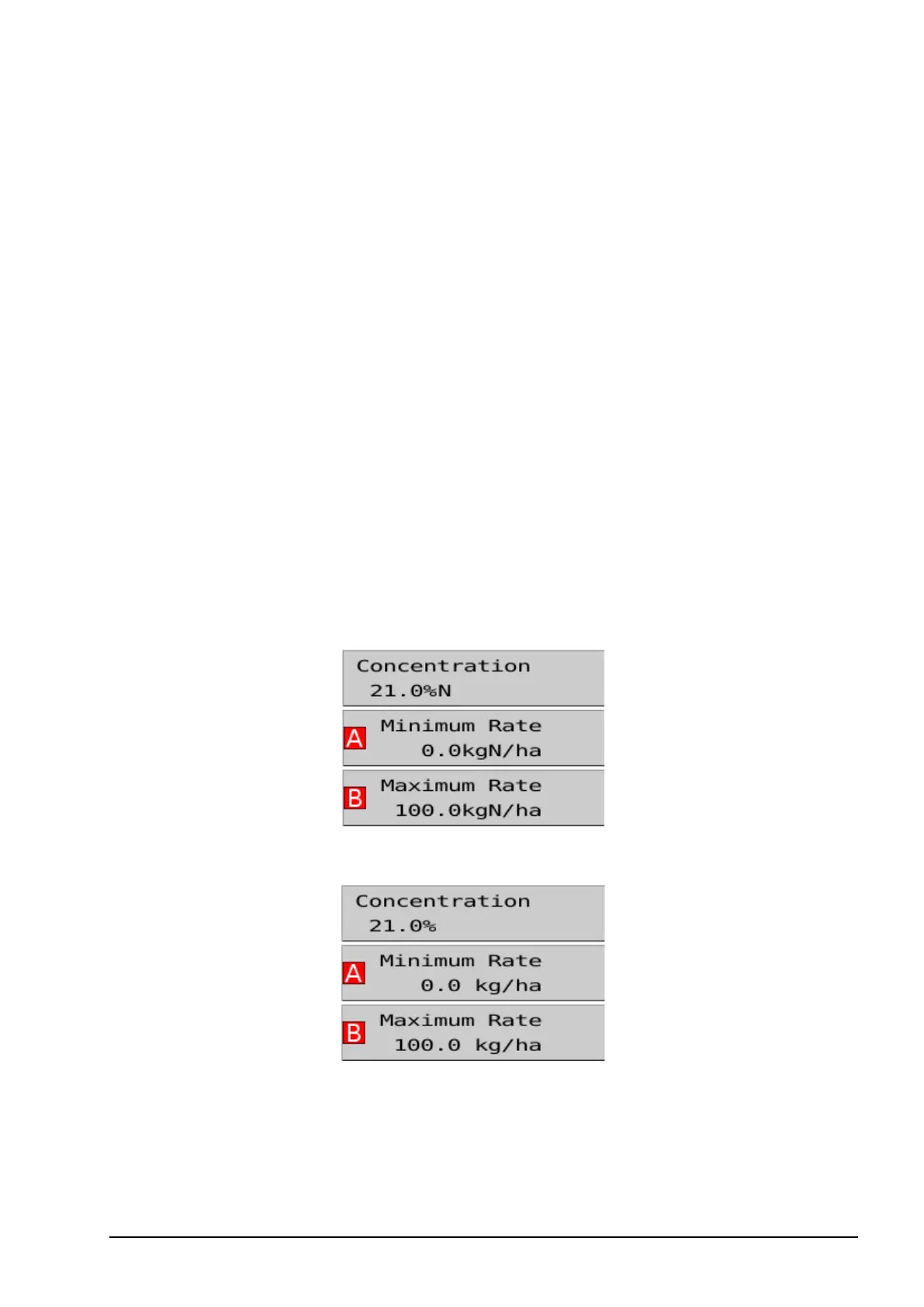
Nitrogen Content based Mass/Area enables the user to configure
their prescription based on the mass of Nitrogen element (usually
about 22%). The system then automatically multiplies it out to the
mass of actual product needed based on the Concentration %N
setting defined in the prescription (see Configuring prescription
types, page 25).
Nitrogen Content based Mass/Area selected
Mass/Area selected
l Metric Area Unit:Displays the units in the prescription editor and
the main screen as hectares (100 'ares') or 10-are (10 'ares'). Note:
The console must be restarted if 10-are is selected.



 To Next Page