− 54 −
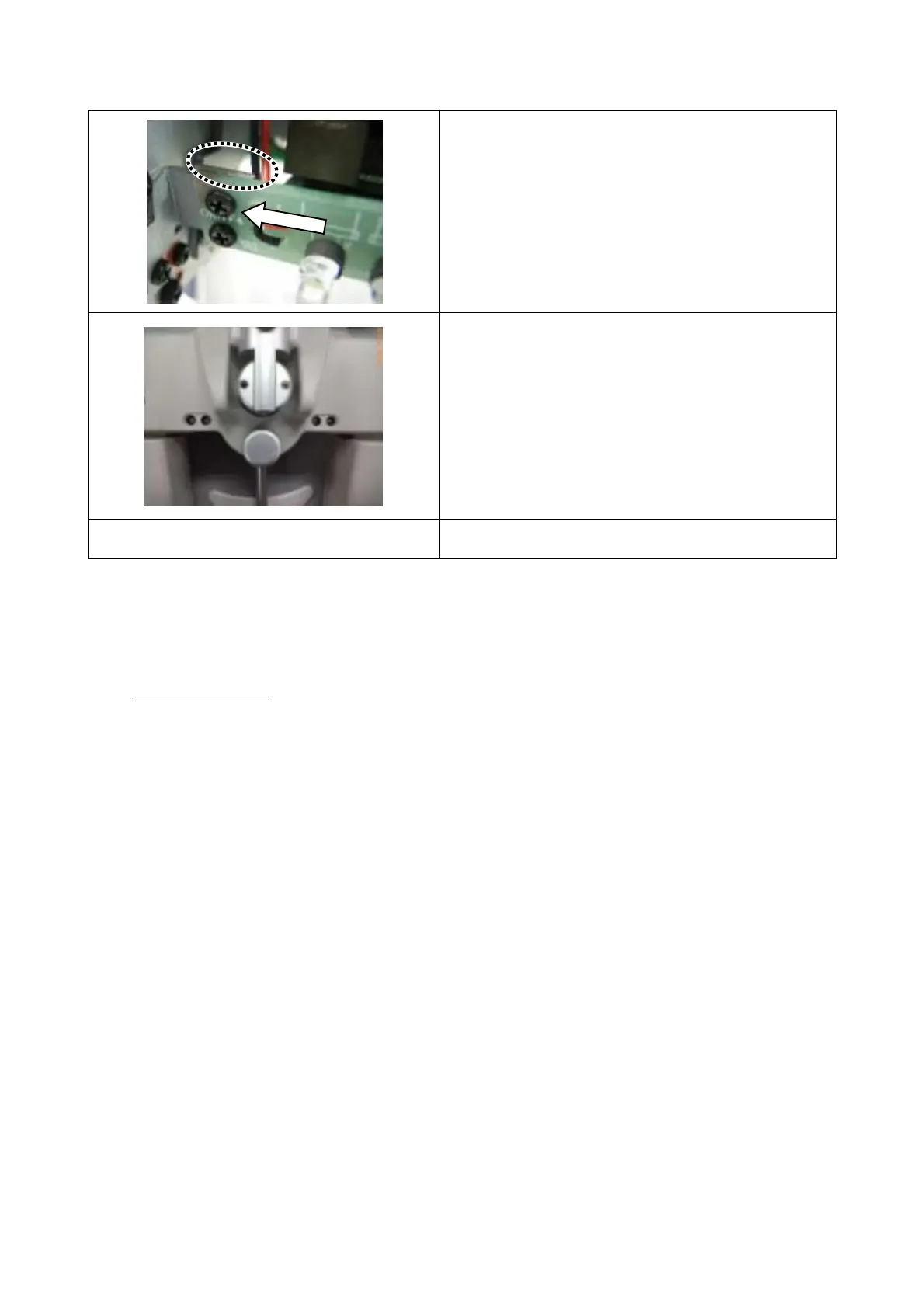
6. Install the new PCB. Fit the end face of the PCB
to the end face of the metal plate and tighten the
screws temporarily. Push the PCB in the arrow
direction and tighten the screws securely. Set the
connector.
7. Set the cover and parts.
Make sure that the LED does not contact with the
cover.
8. Set the near-point rod and near-point chart.
How to check
Start the system and access the test display. Press the [F/N] button of KB-50 to start the near point
test. Check the following items.
Items to be checked
• The four LEDs are lit.
• The near-point card is illuminated at the near point distance 40cm and 67cm.



 To Next Page