4. NOMENCLATURE
14
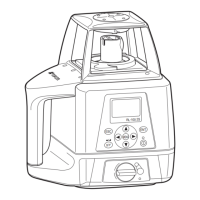
• The RC-50 is a remote controller specifically designed for the RL-SV1S and cannot be used
with other models.
• The remote controller RC-60 cannot be used with the RL-SV1S.
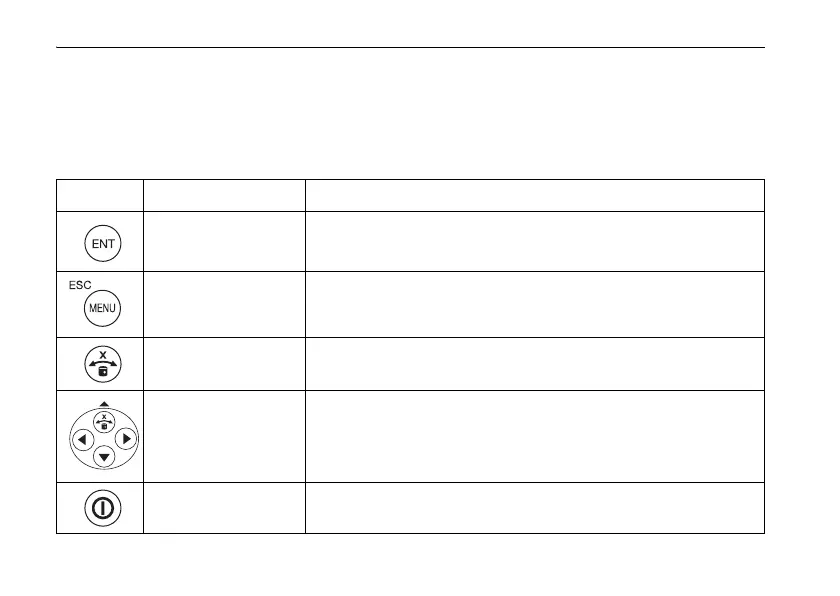
RL-SV1S/RC-50 Key Operation
Key Nomenclature Function
Enter key End Operation of Data Input and Sends data to the instrument.
Menu/Escape key
Selects a menu item.
Cancels input or escape to previous status.
X axis selection key/
Alignment key
Horizontal rotation: changes to the grade setting screen for X axis.
Vertical rotation: changes to the Alignment Mode.
Arrow keys
The arrows indicate code selection, digit shift, and number
input during grade setting, and designates direction during
masking setting.
Power switch
(For only the RL-SV1S)
On/Off of the RL-SV1S.



 To Next Page