5. PREPARATION AND FUNCTIONS
25
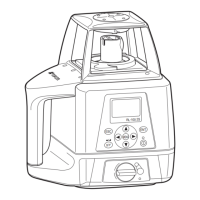
The same channel (1 to 9) must be set on the RL-SV1S and the RC-50 remote controller.
RL-SV1S
Setting channel (p. 48)
RC-50
The setting method is the same as for the RL-SV1S. Use the RC-50 control panel for setting.
Setting channel (p. 48)
When the channel is not aligned with the RL-SV1S, the display will show "Transmission error
with remote control" (p. 68).
When more than one RL-SV1S devices are within the transmission range of the RC-50, the
display will show "Channel error [CH ErrOr]" (p. 68)
• To change the communication channel, set the channel for the RL-SV1S and the RC-50
separately. Changing the channel for one does not change that for another.
• After recovering from the channel error [CH ErrOr] (p. 68), be sure to check the setting for
each function of the RL-SV1S.
5.2 How to set remote controller communication channel



 To Next Page