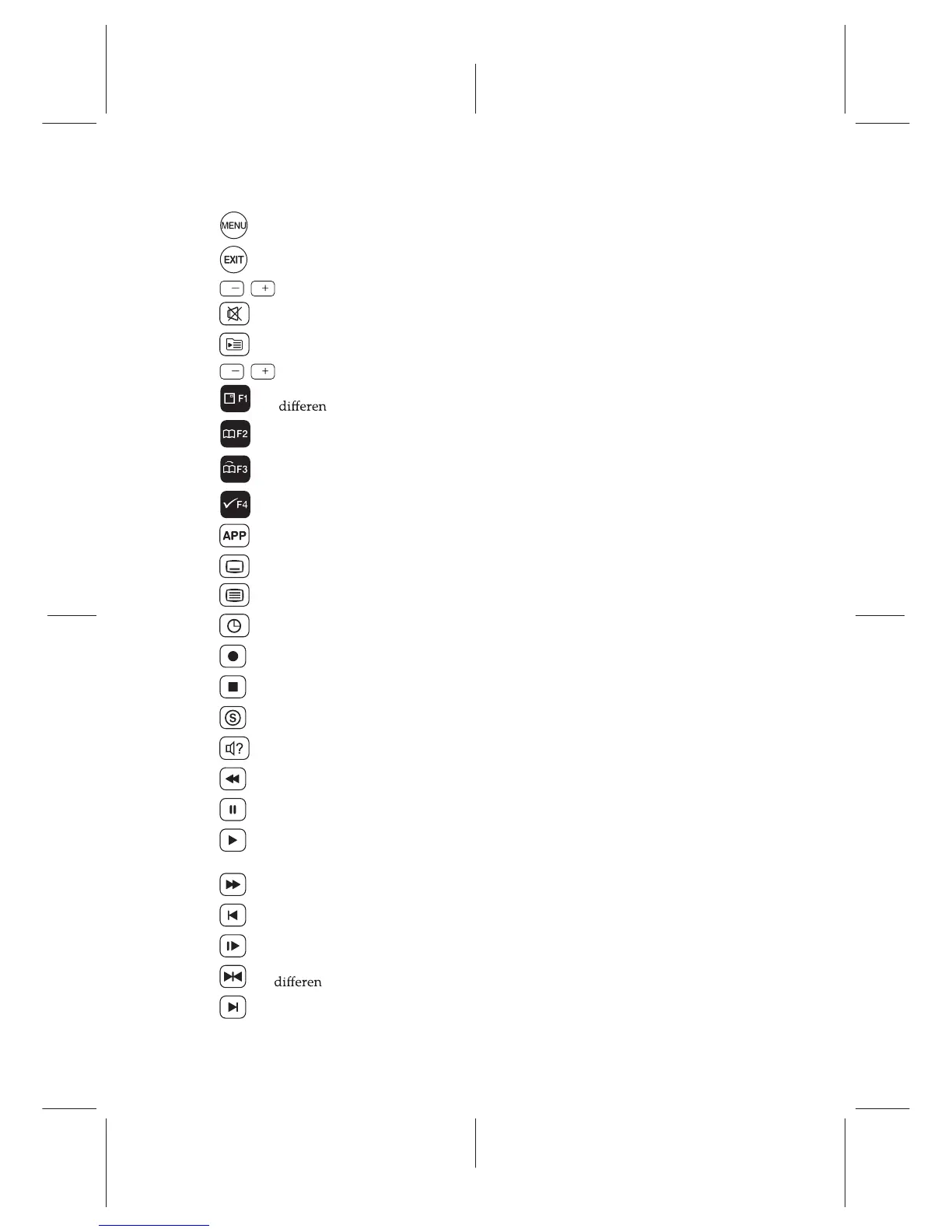
Ë exits a menu or hides on-screen information.
Ë , buttons decrease or increase the volume.
Ë
mutes the sound. Press again to switch it back on.
Ë
displays the list of recorded programmes that are stored in the internal hard drive.
Ë , buttons switch to the previous or next service.
Ë
has t functions per menu.
Ë
makes a bookmark on playback or time-shift.
Ë
jumps to next bookmark position.
Ë
edits a recording.
Ë
(White Button) has multi purpose functions.
Ë selects subtitle track.
Ë not used in this model.
Ë sets a sleep timer in 10 minute increments.
Ë starts recording.
Ë stops playback, recording, or jumps back to live television from time-shifted television.
Ë displays connected devices list.
Ë selects audio track, sound mode.
Ë starts reverse playback. Subsequent presses increase the rewind speed.
Ë pauses live television or playback of a recorded programme.
Ë resumes normal playback speed, or displays the progress bar for navigation on play-
back or time-shift.
Ë starts fast forward playback. Subsequent presses increase the playback speed.
Ë jumps back to the beginning of the recording during playback.
Ë starts slow motion playback. Subsequent presses change the playback speed.
Ë has
t functions per menu.
Ë
jumps to the end of the recording during playback.
Functions of the colour buttons will be guided on the screen.
Ë
displays the main menu. Also, returns to the previous menu from a submenu.
V V
P P
5














 To Next Page