Pressing the button toggles between the Centigrade and
6l Entertainment
F1
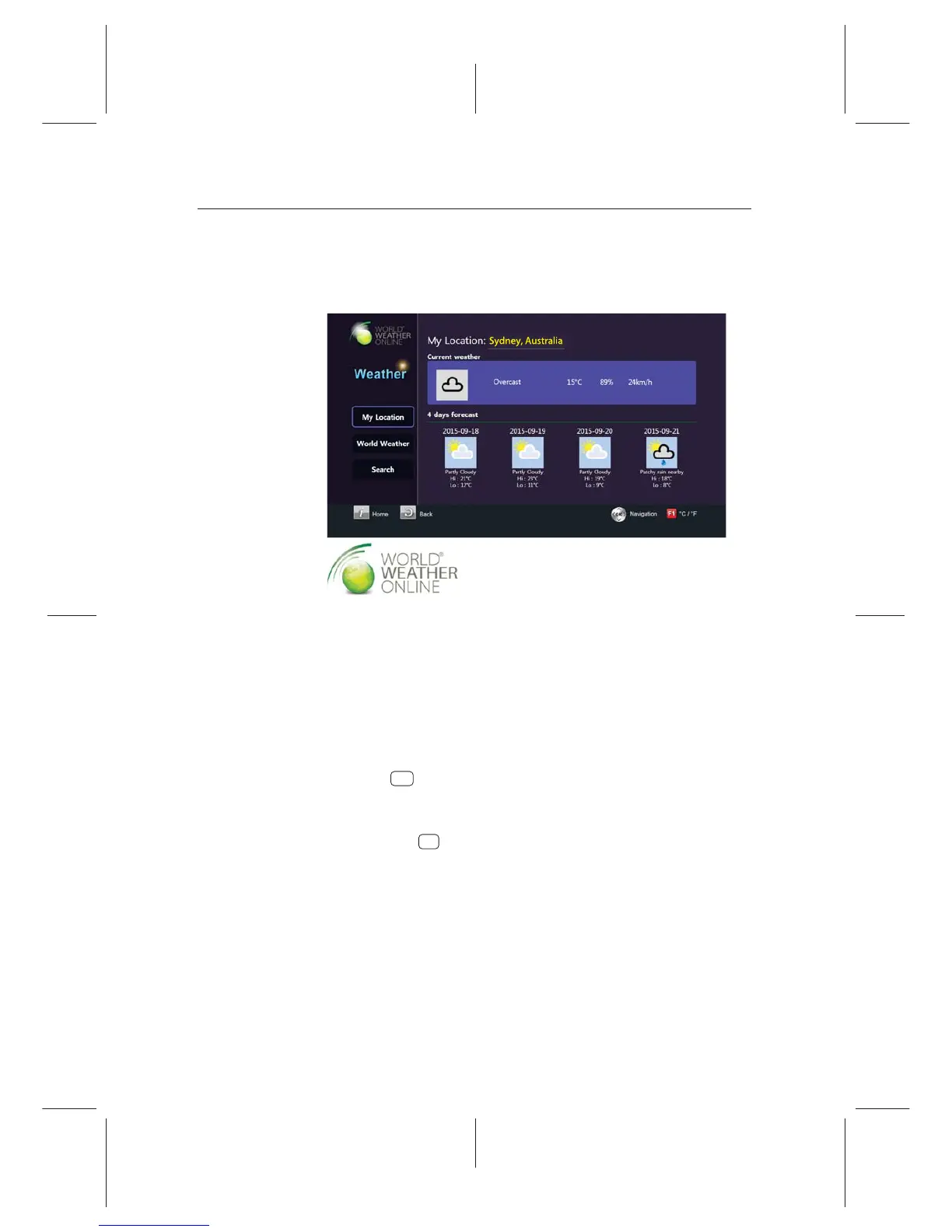
You can view the weather of your city or other cities.
To view the weather, select the Entertainment > Portal >
Weather.
To change a city, take the following steps:
1. Press the Search button to see additional options.
2. Set the Continent, Country and City options as you desire
with the navigation buttons.
3. Select to see the weather of the city.
4. Select Set Location to set the default location.
Fahrenheit.
OK
8.8 World Weather Online service (optional)
You can view the weather of your city or other cities.














 To Next Page